Challenge Setup
Tools Used:
- Nmap — Network scanning to find open ports and services
- Gobuster — Directory brute-forcing to find hidden paths
- Remmina — RDP client to connect to the target's desktop
Environment:
- TryHackMe hosted VM — Accessed through the provided IP address
Initial Recon
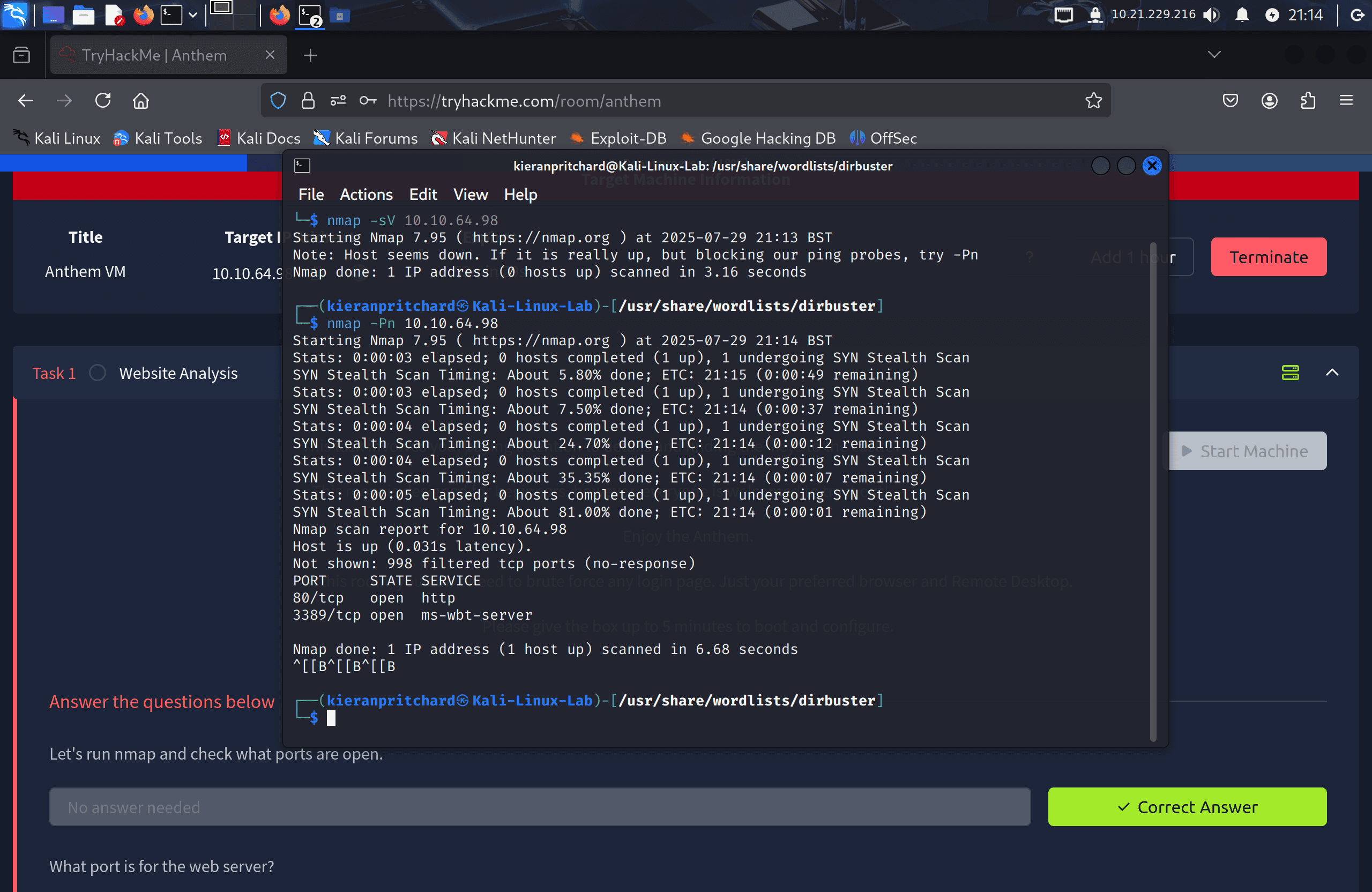
I deployed the machine and ran an Nmap scan against the target IP:
nmap -sV -p- <target-ip>
Two ports were open:
- Port 80/tcp — HTTP (website)
- Port 3389/tcp — RDP
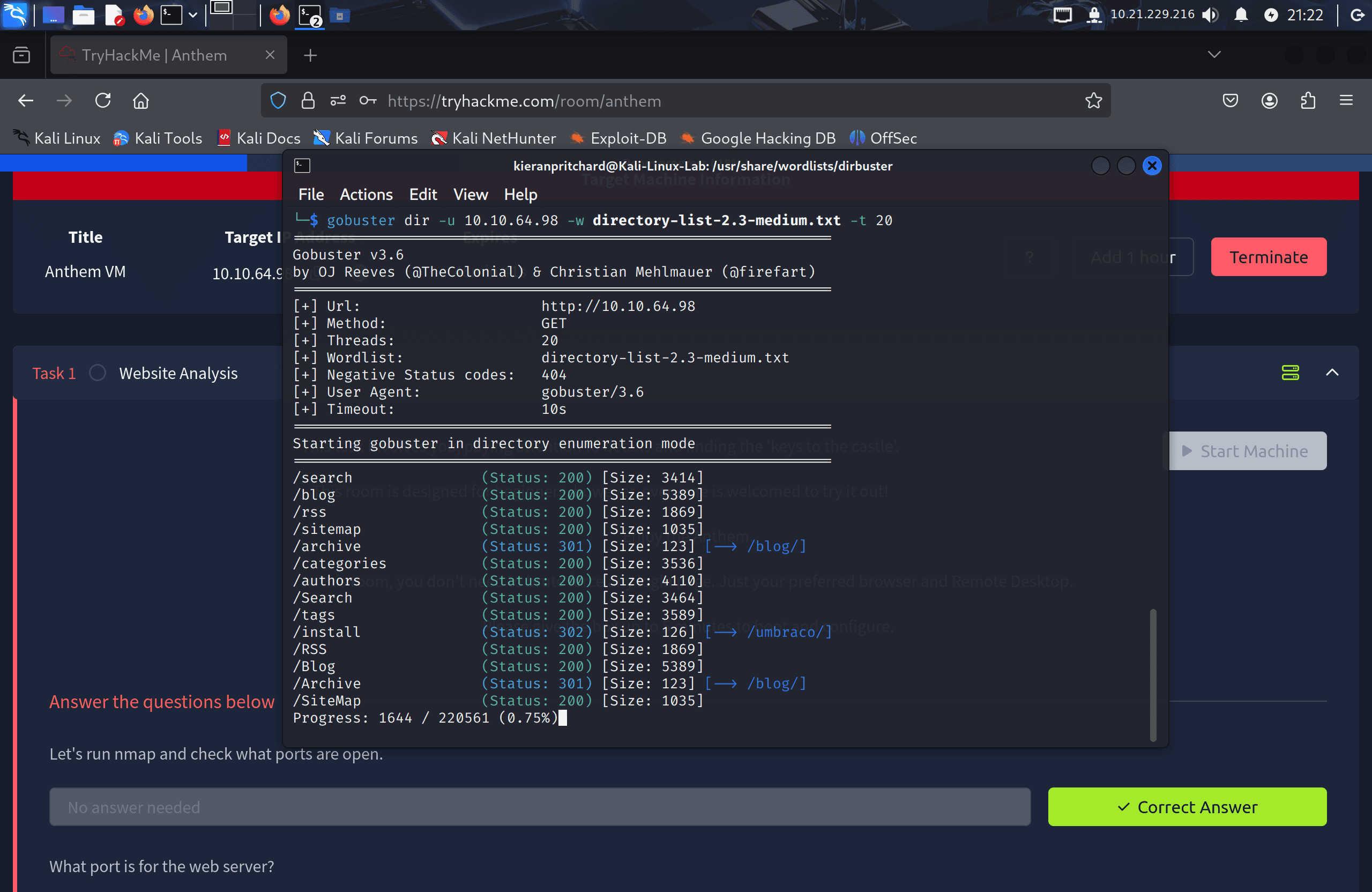
I then ran Gobuster against the website to enumerate hidden directories:
gobuster dir -u http://<target-ip> -w /usr/share/wordlists/dirbuster/directory-list-2.3-medium.txt
This turned up two interesting paths:
/sitemap/install— suggesting a CMS installer was still accessible
Both immediately stood out as likely sources of information disclosure or CMS-specific exploitation.
Exploitation / Solution
1. Initial Information Gathering
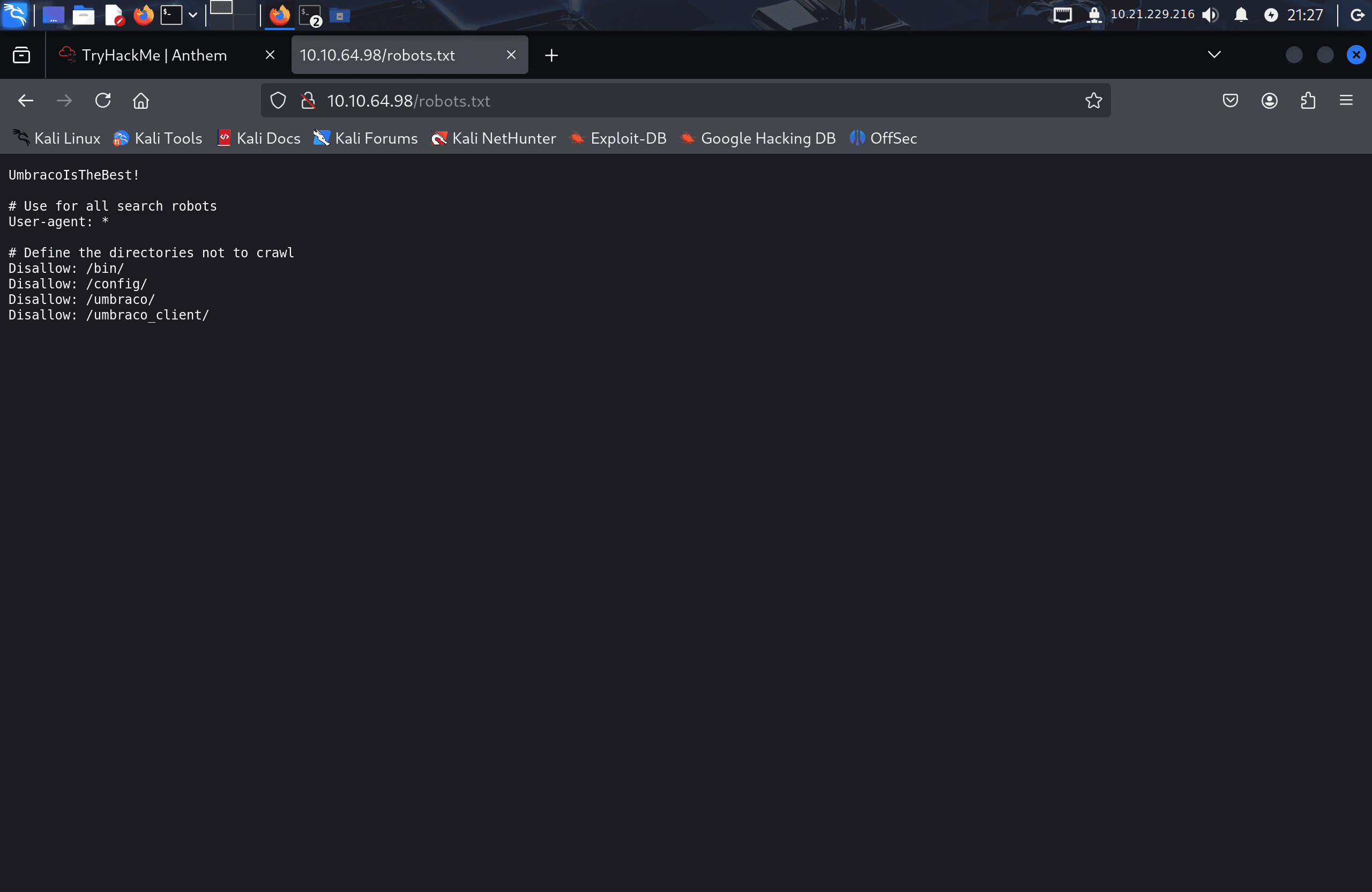
Checking /robots.txt revealed a disallowed entry containing what looked like a password: UmbracoIsTheBest!.
Visiting /install confirmed the CMS in use — Umbraco — and gave away that detail as the likely source of the leaked credential.
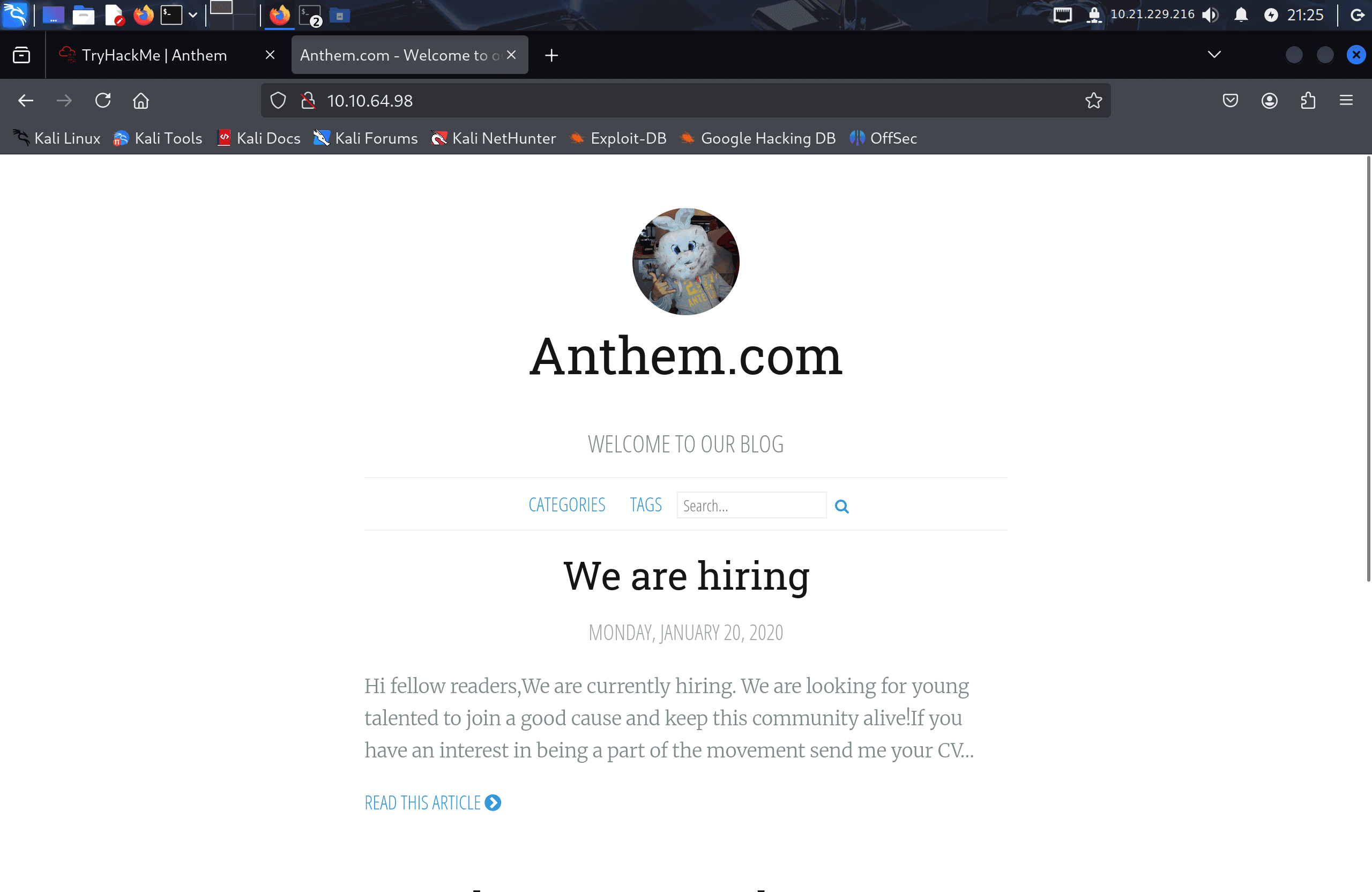
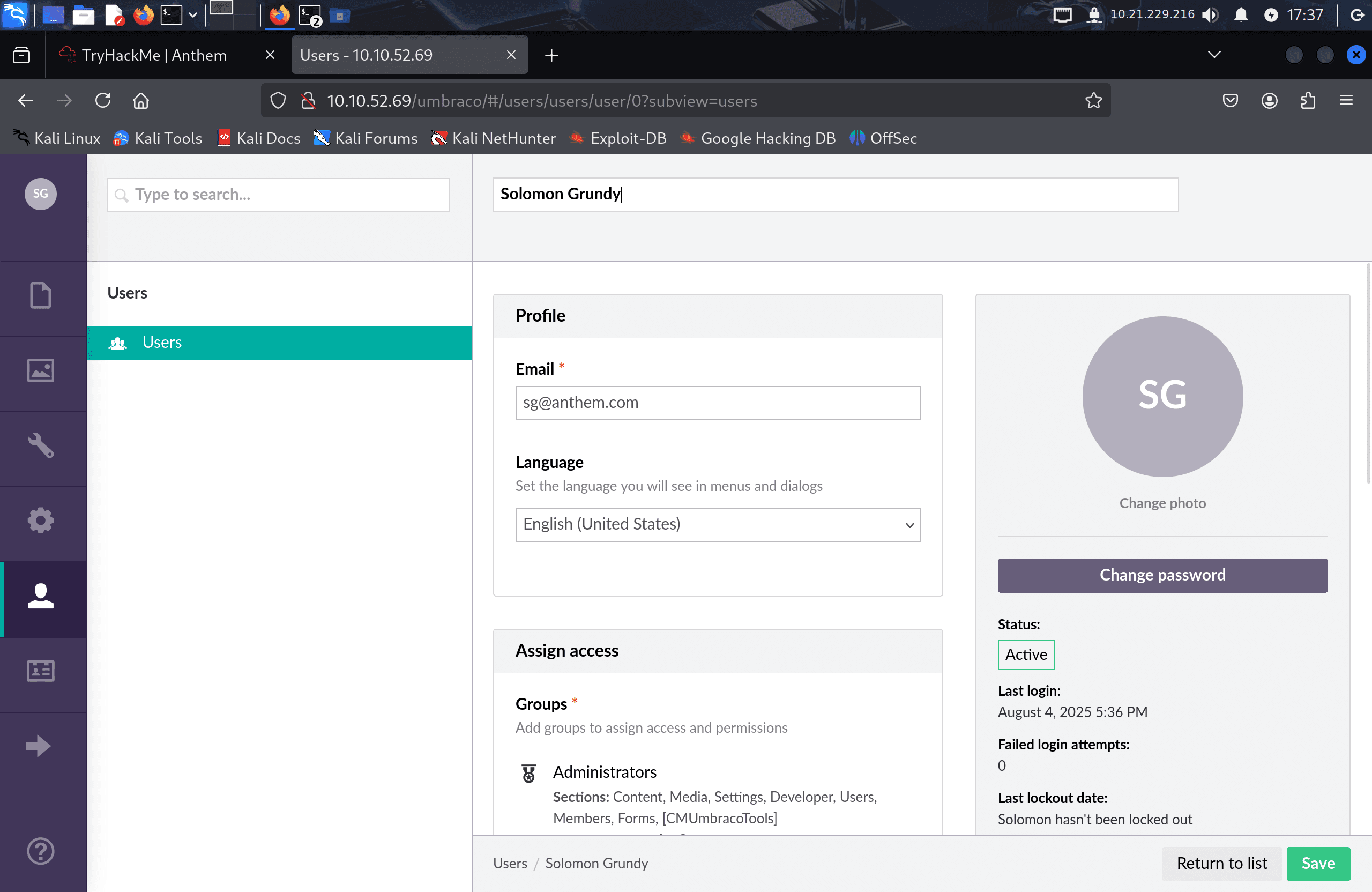
The site's homepage referenced the domain anthem.com, and a separate page displayed a poem dedicated to the site admin. A quick search identified the poem as "Solomon Grundy" — a well-known nursery rhyme — which gave me the probable admin name: Solomon Grundy.
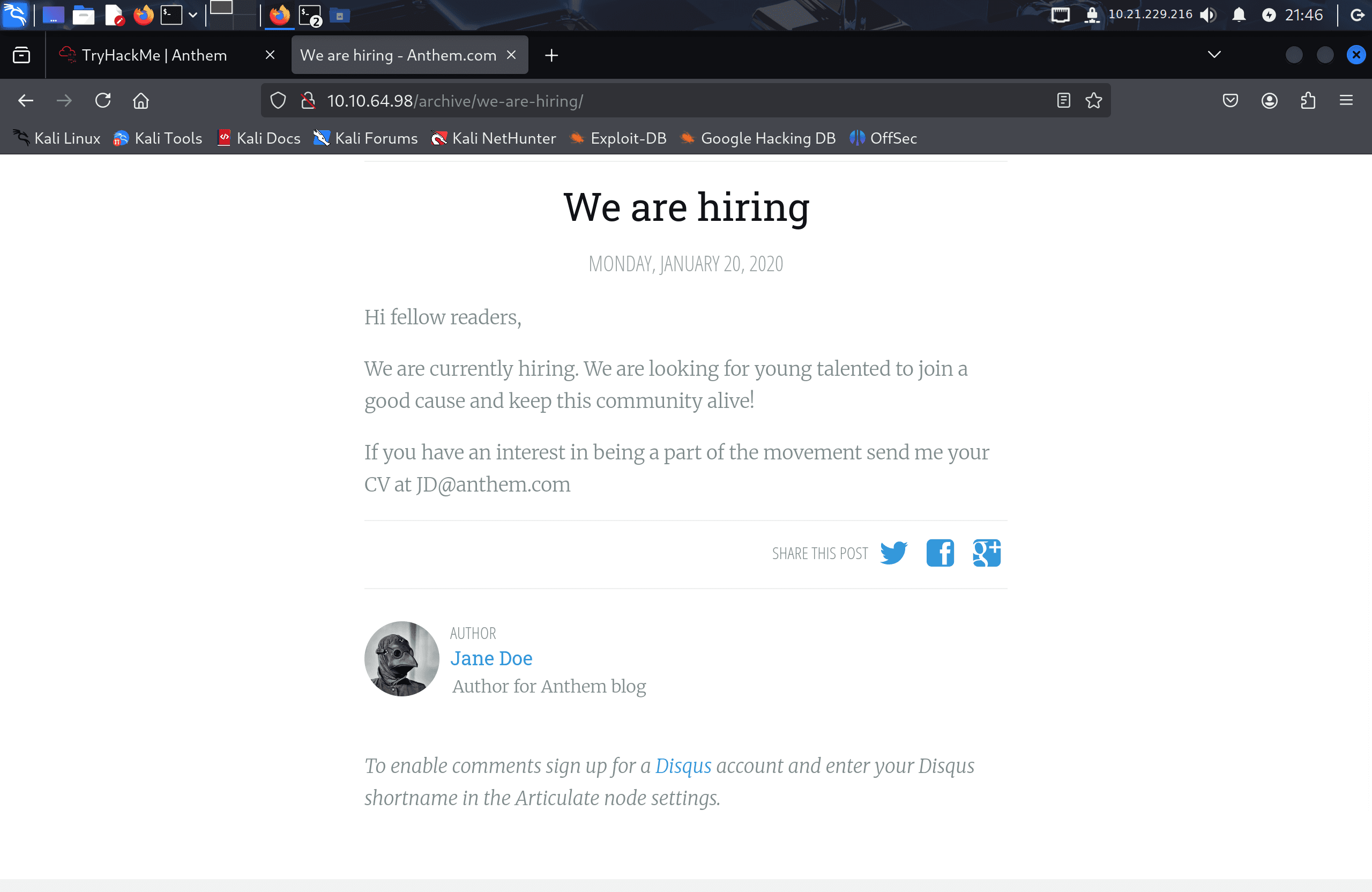
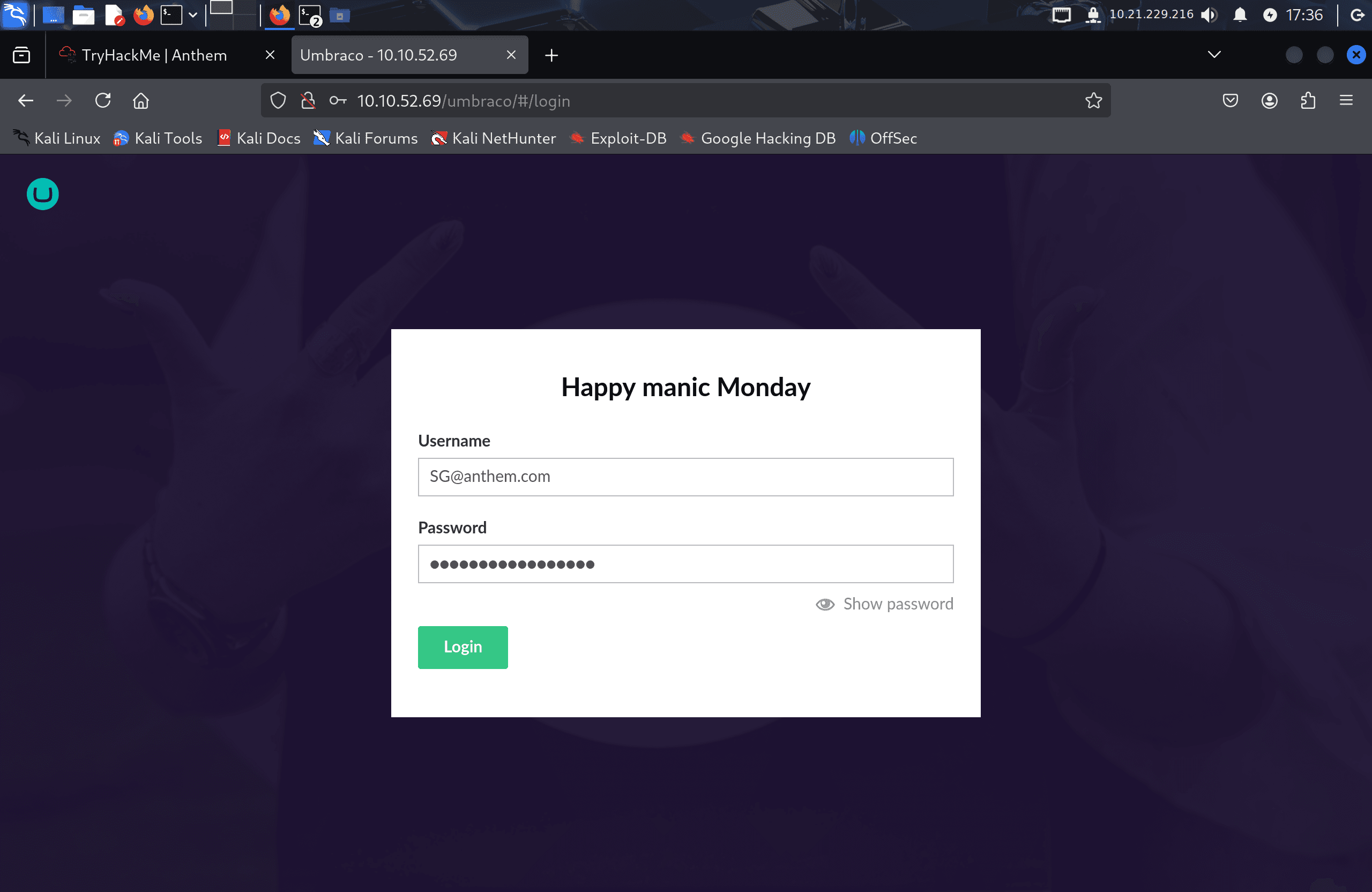
Jane Doe's email on the site followed the pattern JD@anthem.com, so I guessed the admin's email would follow the same convention: SG@anthem.com.
2. Locating Flags
Flags were scattered across the site rather than gated entirely behind a single exploit:
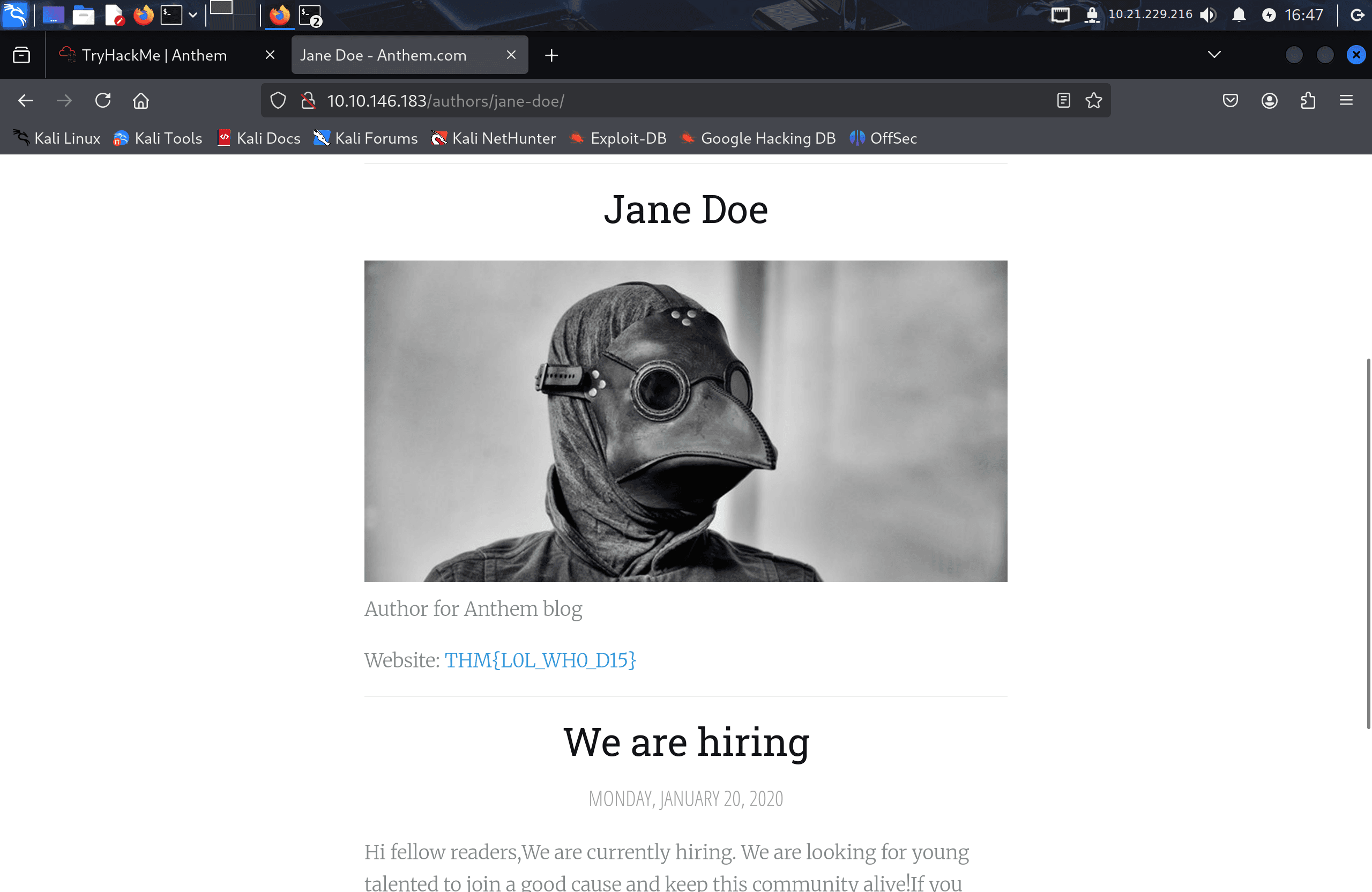
- The first flag was on Jane Doe's profile page.
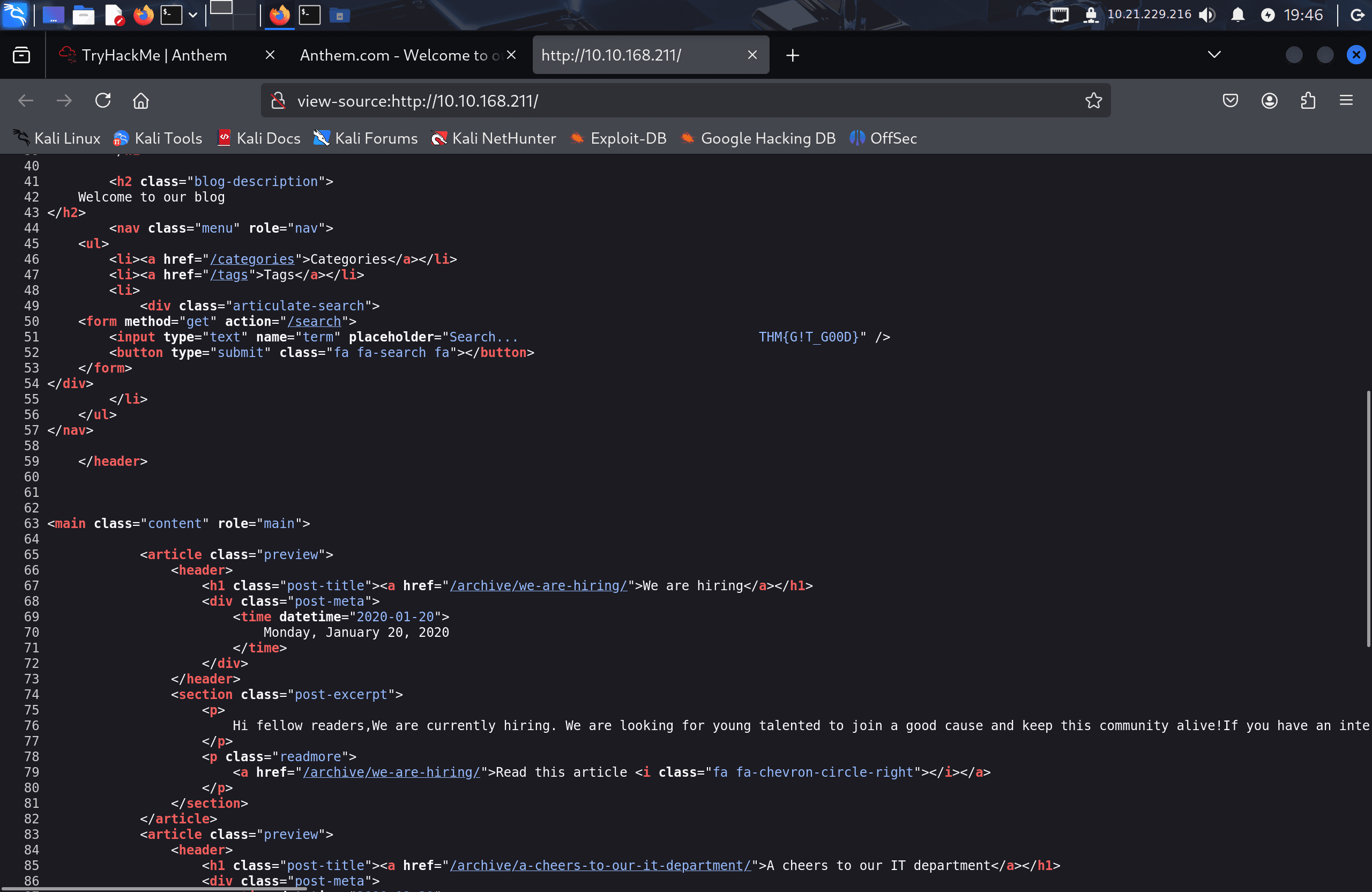
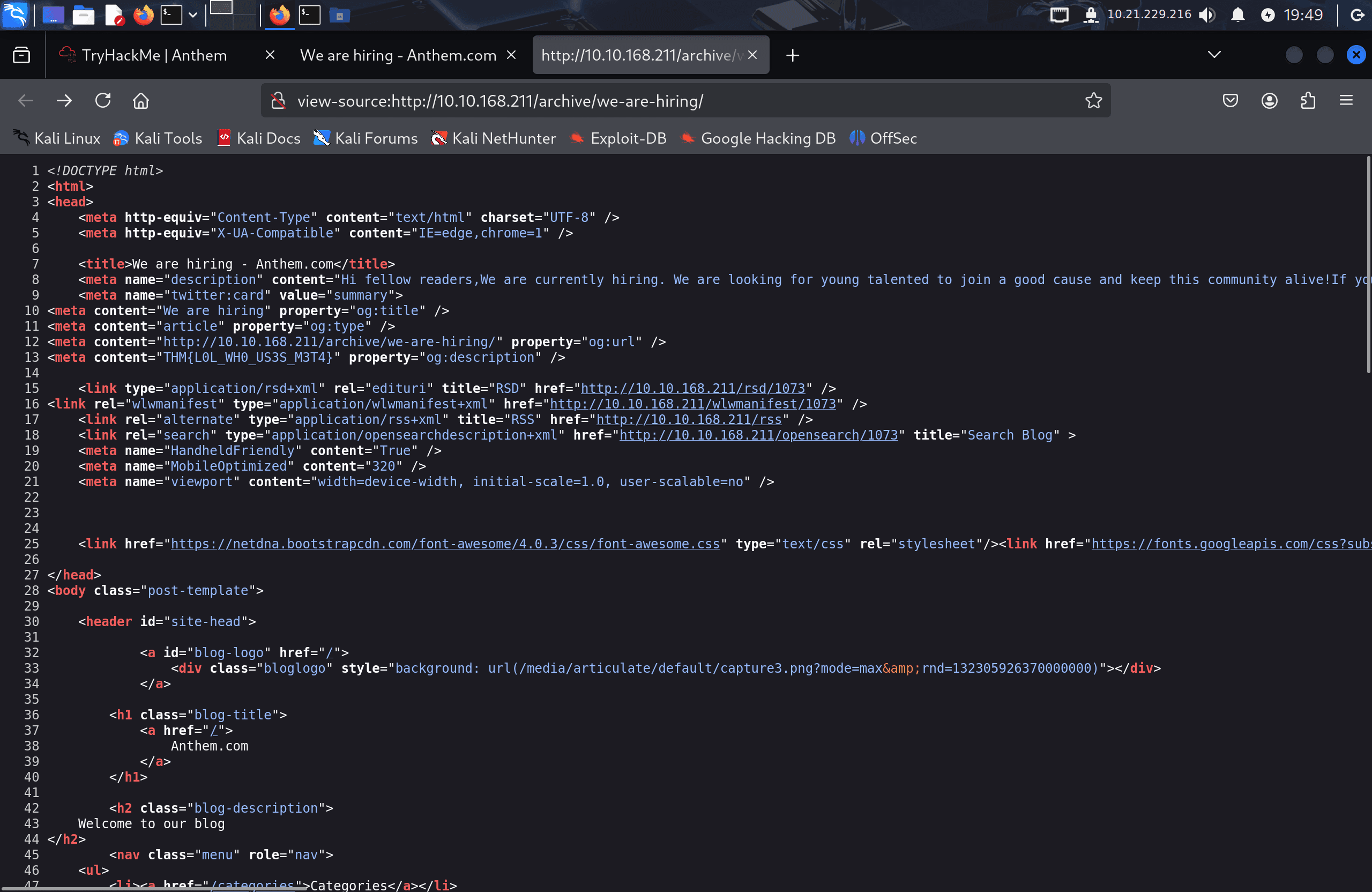
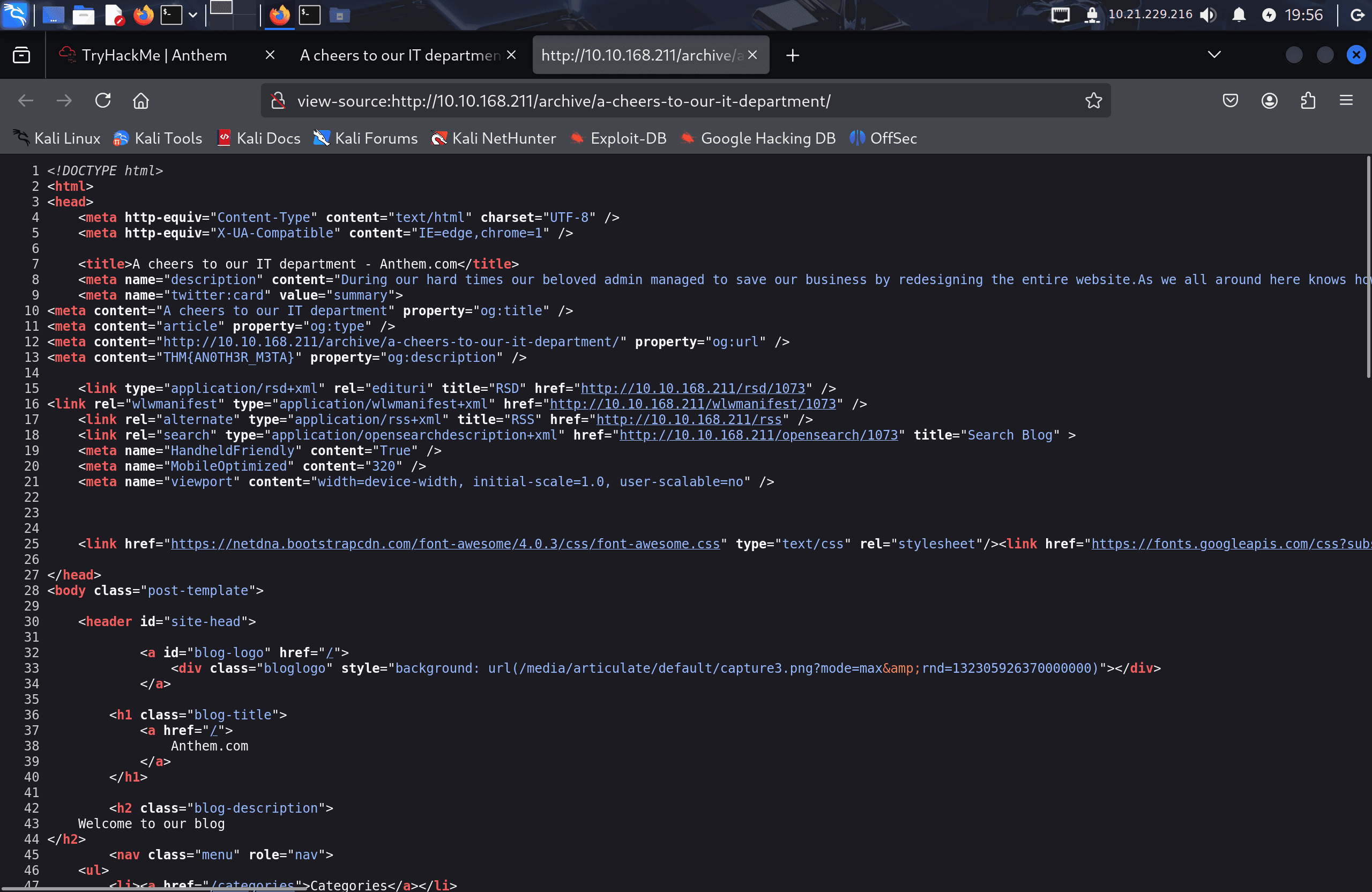
- Further flags were hidden in HTML source comments and
<meta>tags.
I logged into the Umbraco admin panel using SG@anthem.com with the password from /robots.txt, and it worked.
3. Pivoting to RDP
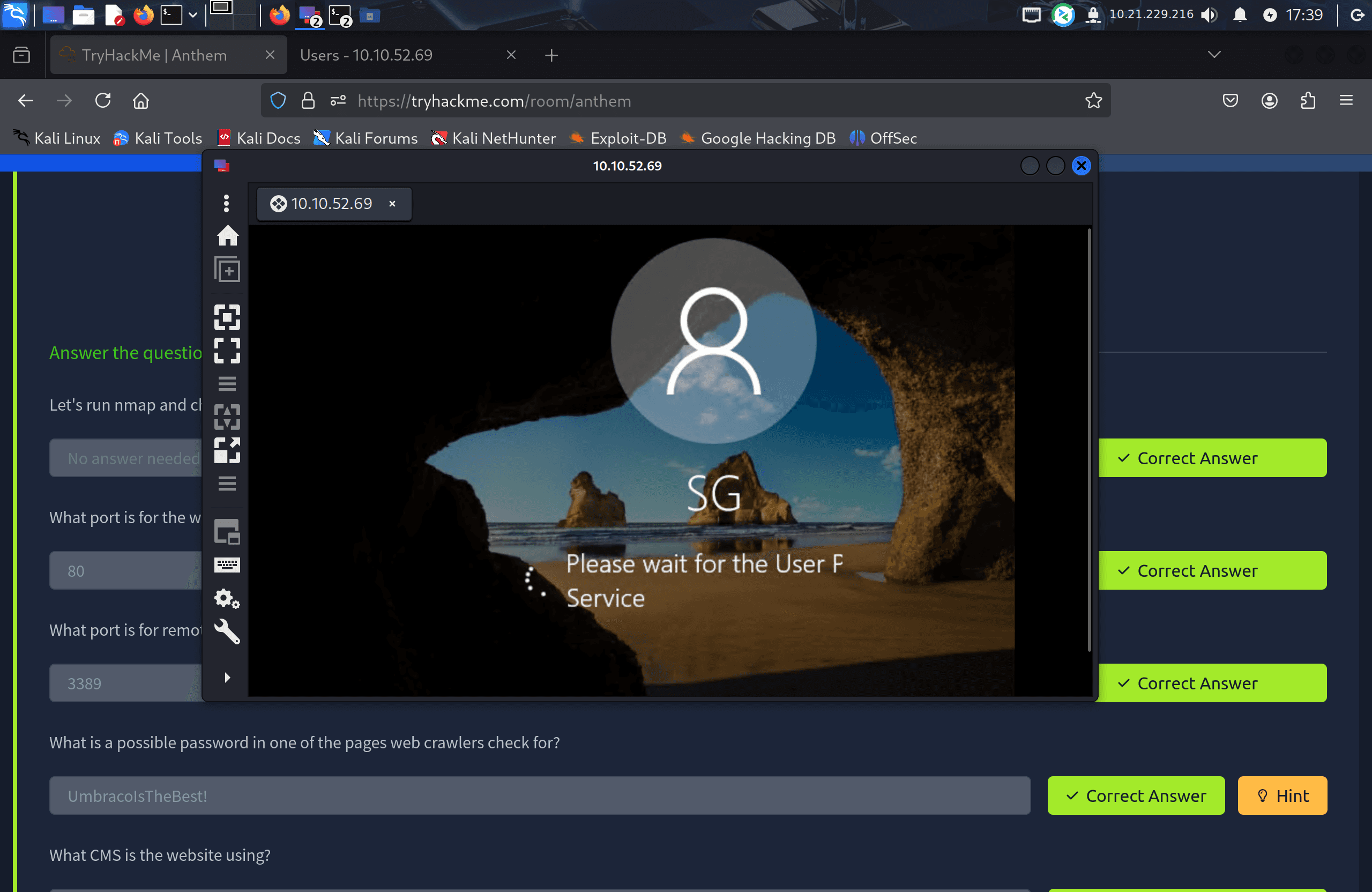
Since the credentials worked for the CMS, I tried the same password against RDP as well, using just the short username solomon:
remmina -c rdp://solomon@<target-ip>
This worked, dropping me into a desktop session as solomon. From there:
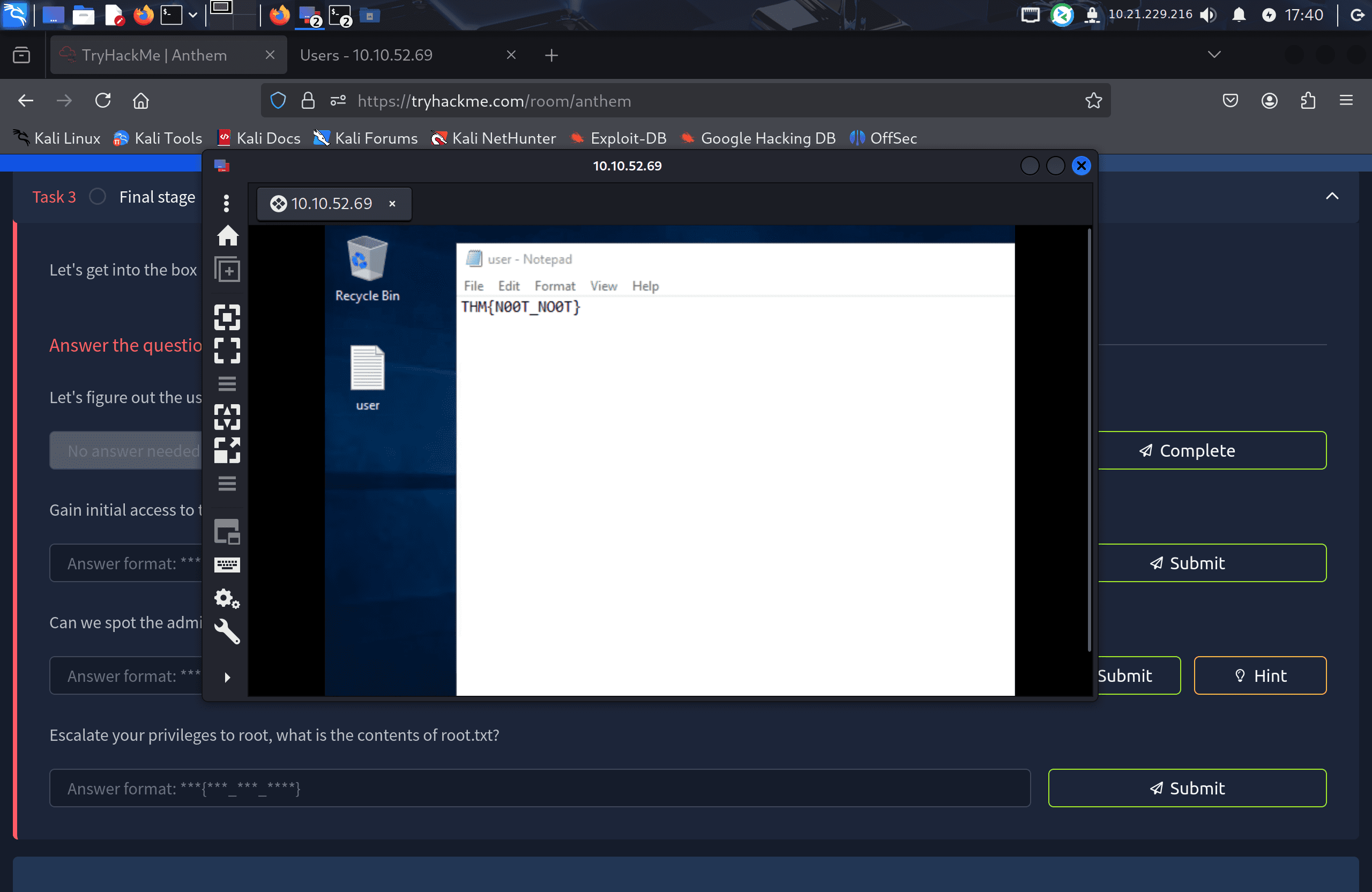
- A text file on the desktop contained the user flag.
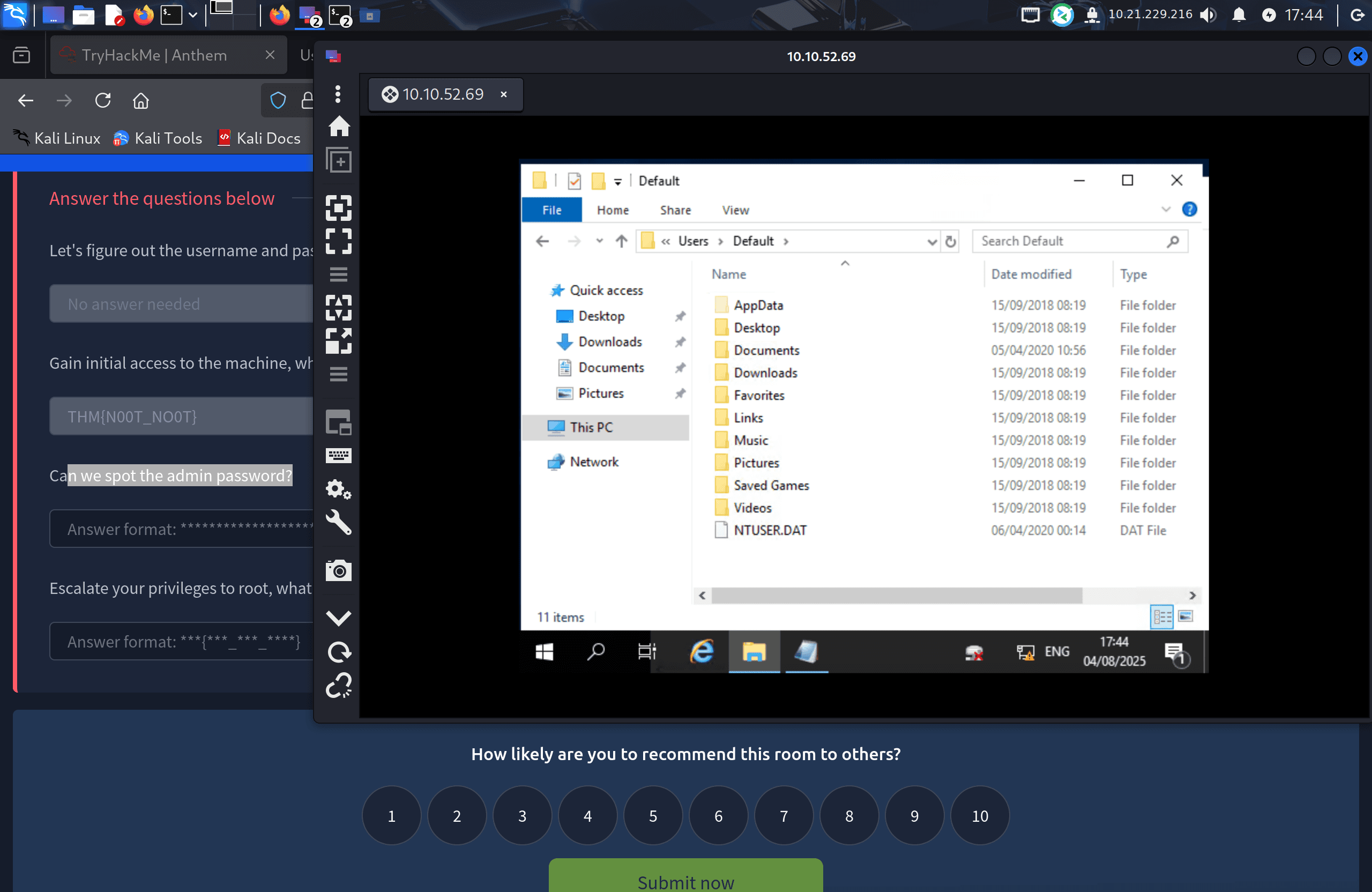
- An Administrator folder was visible but not accessible with Solomon's permissions.
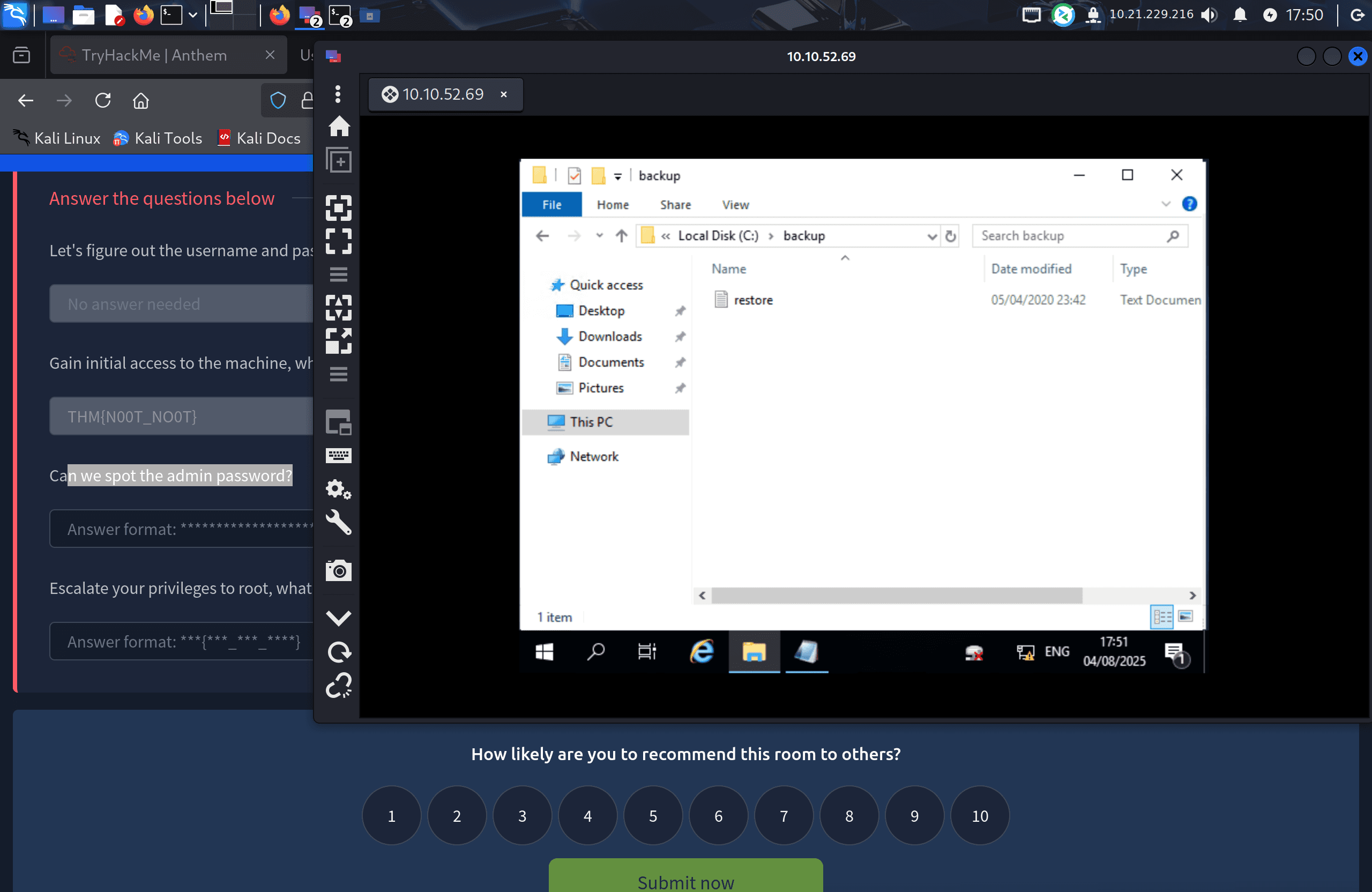
- With hidden items enabled, I found a
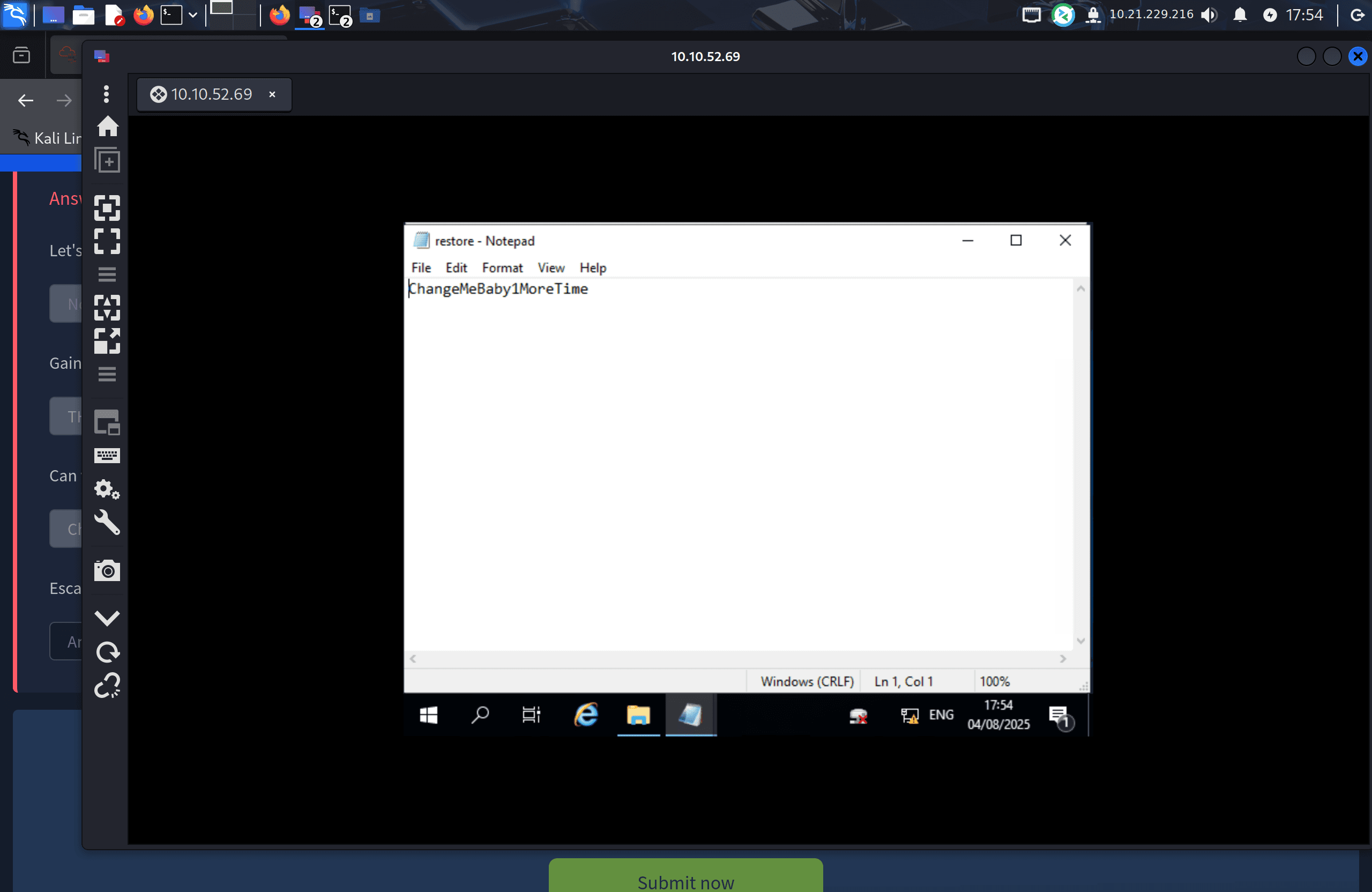
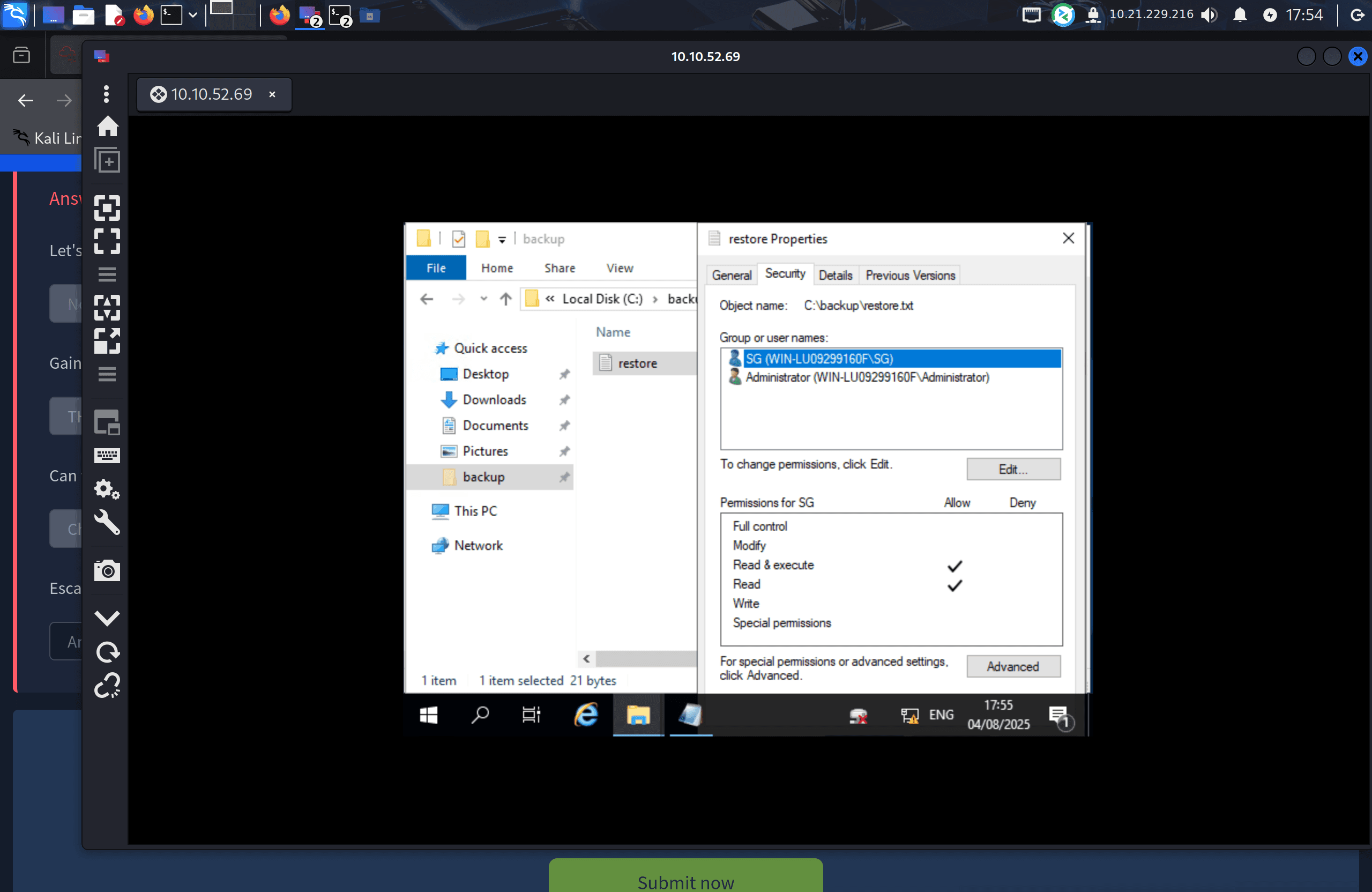
backupfolder containing a file namedrestore.txt, which I didn't have permission to open. I fixed this through Explorer's Security properties (right-clickrestore.txt→ Properties → Security → Edit → add thesolomonuser → grant Read access).
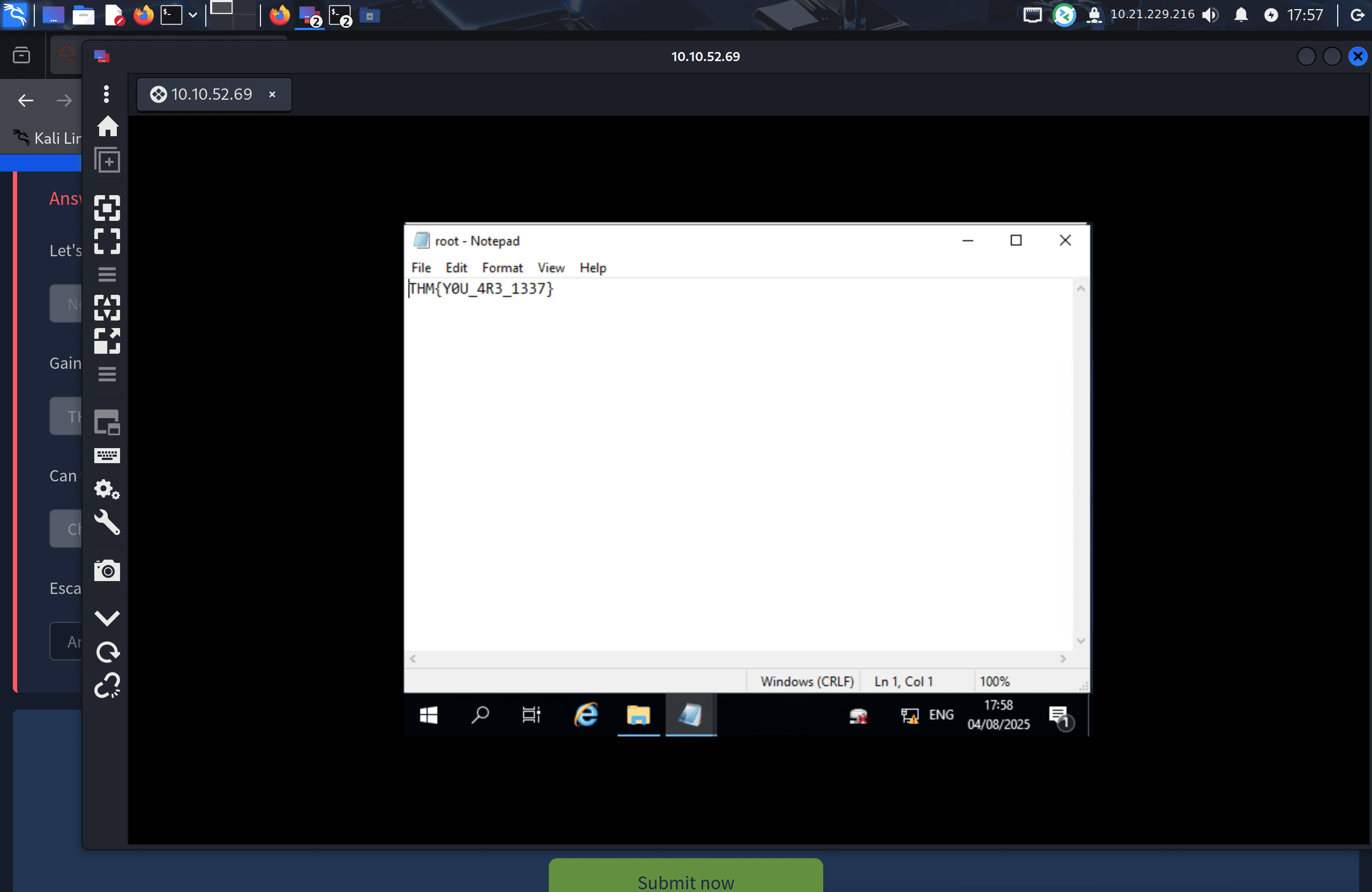
The file contained the Administrator password. I used it to start a new RDP session as Administrator, navigated to the desktop, and retrieved the root flag.
Flags
THM{L0L_WH0_US3S_M3T4}
THM{G!T_G00D}
THM{L0L_WH0_D15}
THM{AN0TH3R_M3TA}
THM{N00T_NO0T}
THM{Y0U_4R3_1337}
Tools Used
- Nmap — Port scanning and service enumeration
- Gobuster — Directory brute-forcing for hidden pages
- Remmina — RDP access to the Windows desktop
Notes / Lessons Learned
- Always check
/robots.txt— it can leak sensitive paths or even credentials directly. - Poems, "fluff" text, and seemingly decorative content can be deliberate clues for usernames.
- A failed login on one service doesn't rule out credential reuse elsewhere — always try discovered credentials against every exposed service.
- Misconfigured file permissions (e.g. a readable "hidden" backup file) are a common and low-effort privilege escalation path on Windows boxes, alongside kernel exploits and stored credentials.
Screenshots